

Guides / Color: paint by number
Paint by number
Open one of the app's books by number in Color, choose a number, tap its areas to paint them in, and find the ones left.
- Free
- Paint by number in Color and the Studio: every page of Nature, Animals at Home and the single pictures, and page 1 of every other book.
- Plus
- Every page of every book, and new books as they come.
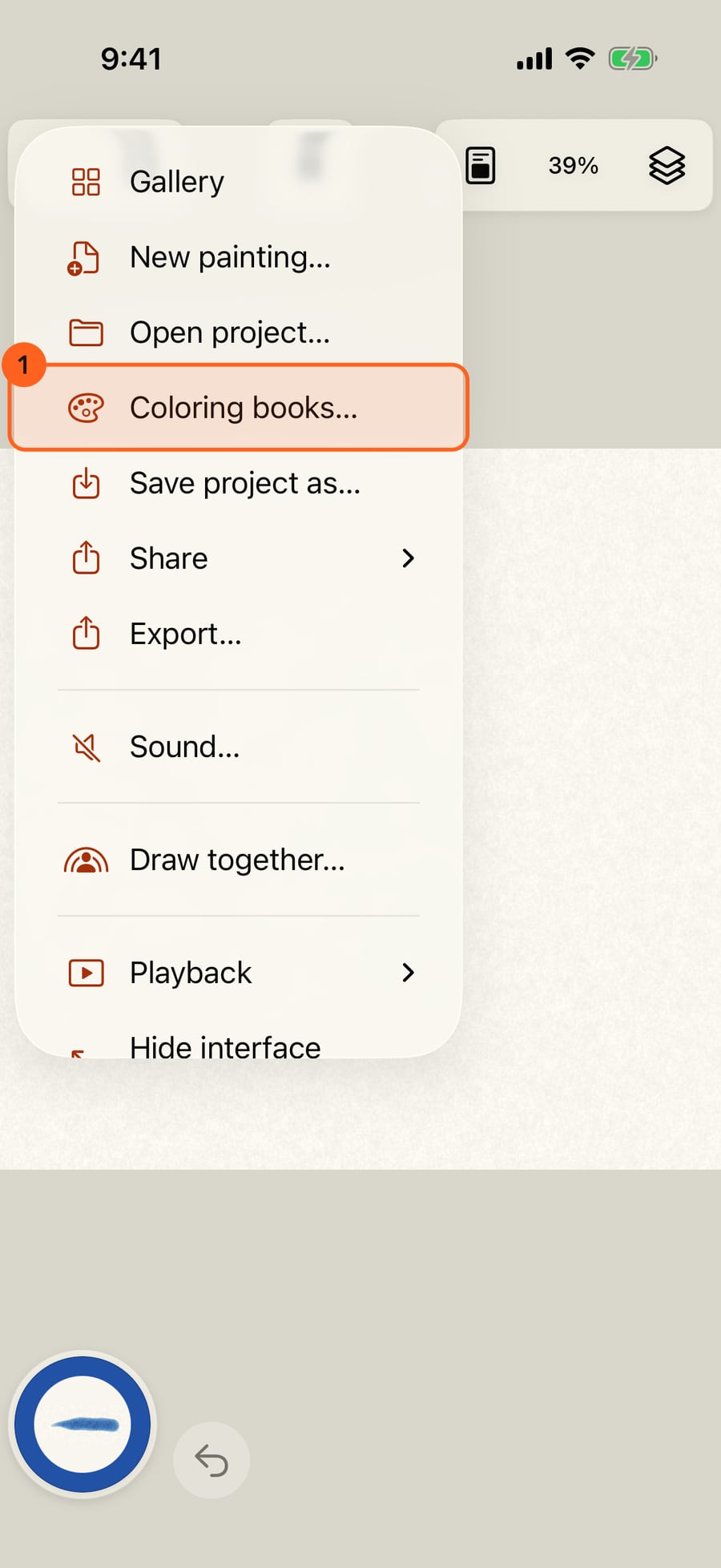
Open the Actions menu and choose Coloring books.
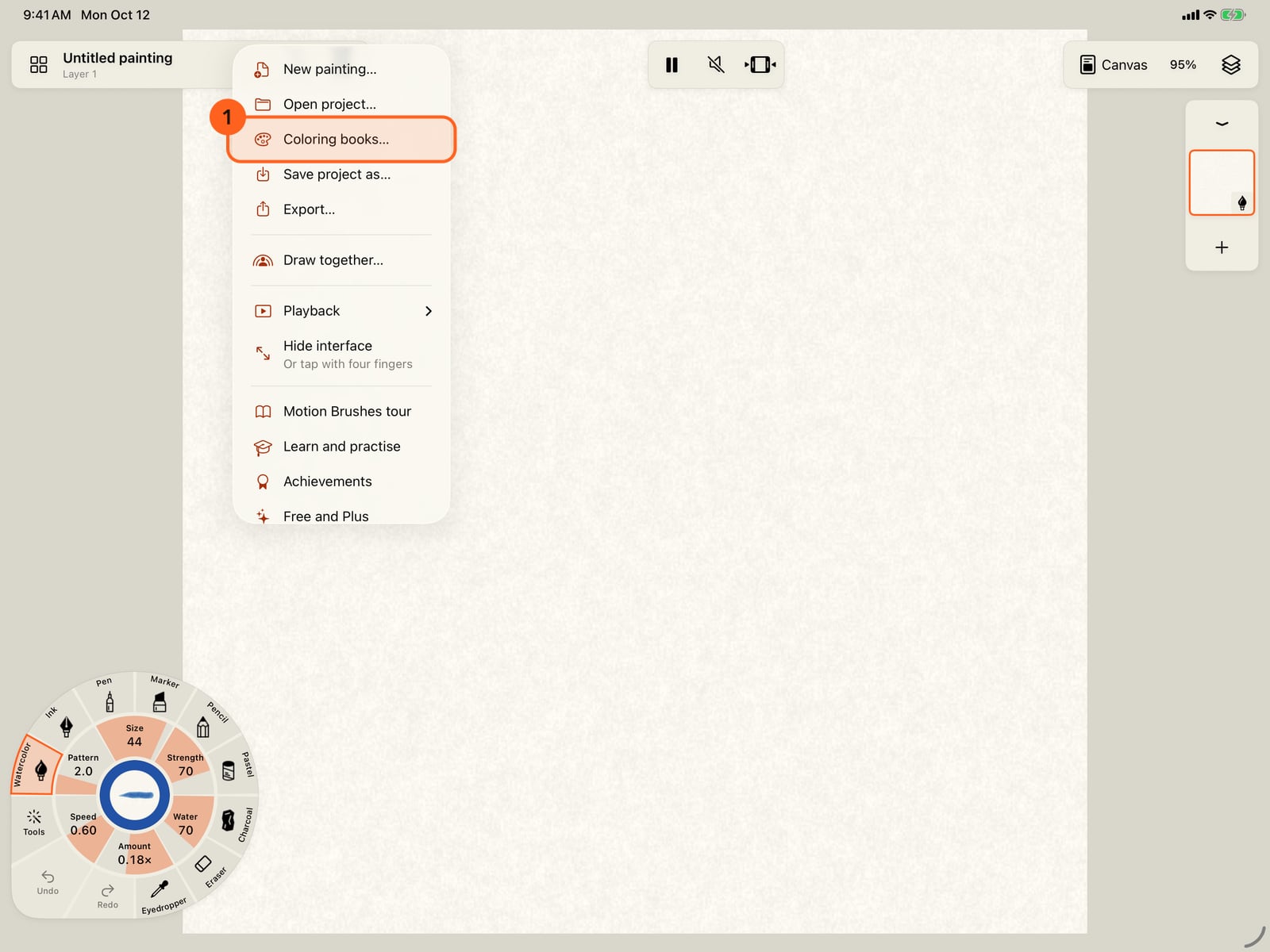
Open the Actions menu and choose Coloring books.
Tap a book. The books that come with the app start two ways. Paint by number opens in Color, a simple screen with a number in every area. Start colouring opens the Studio on a plain page, for your own colours.
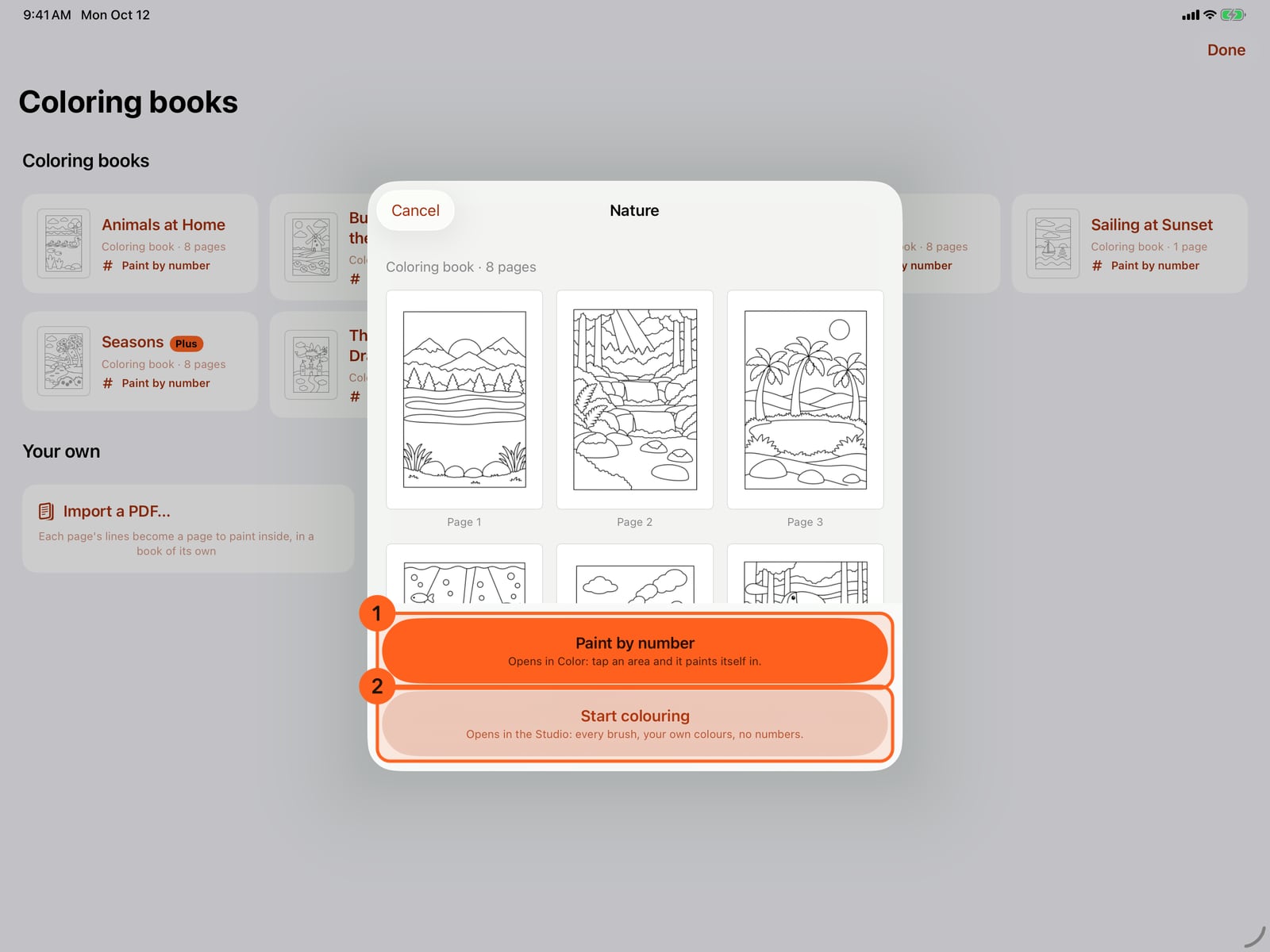
Tap a book. The books that come with the app start two ways. Paint by number opens in Color, a simple screen with a number in every area. Start colouring opens the Studio on a plain page, for your own colours.
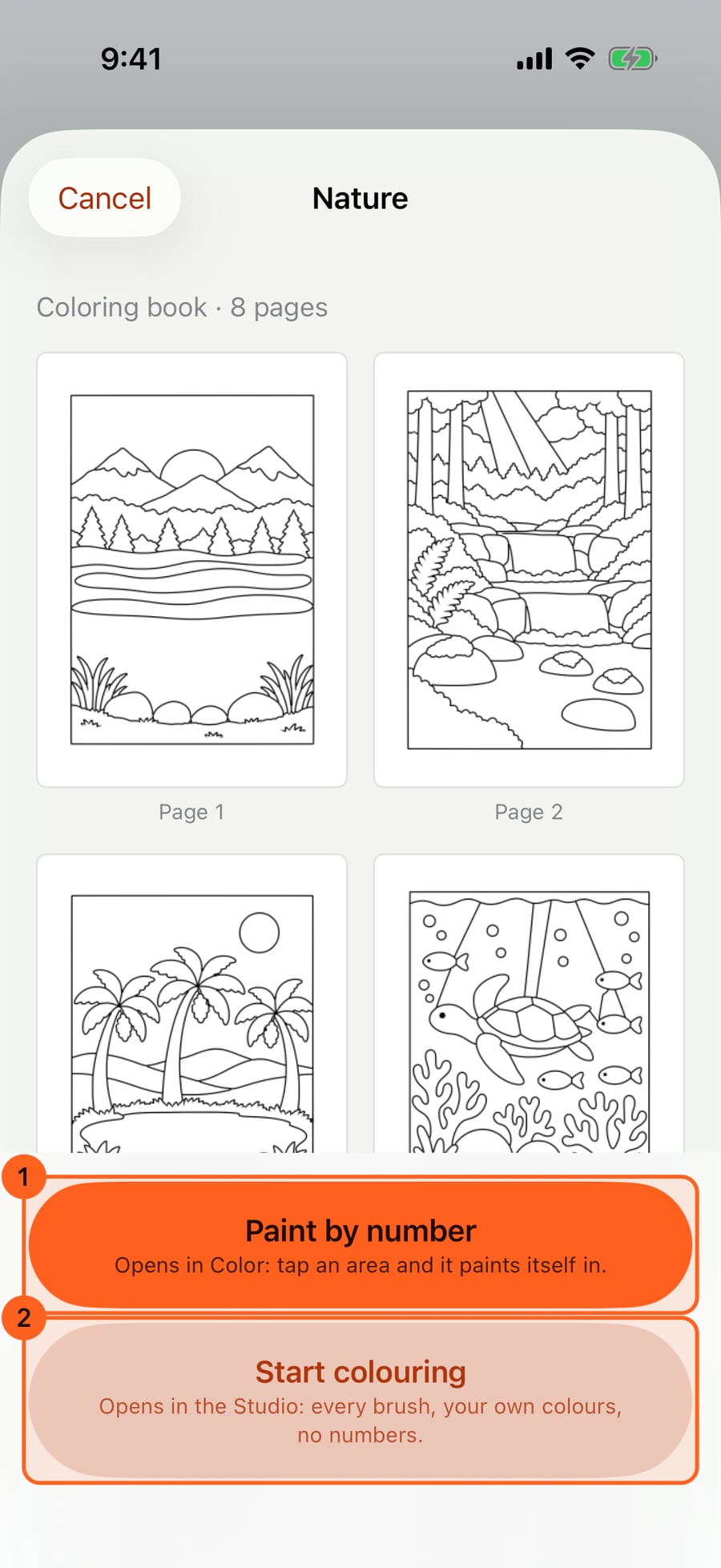
Click a book. The books that come with the app start two ways. Paint by number opens in Color, a simple screen with a number in every area. Start colouring opens the Studio on a plain page, for your own colours.
Tap Paint by number, then the arrow under the page for page 2, the waterfall. The arrows turn to the pages beside it, and the page number shows them all.
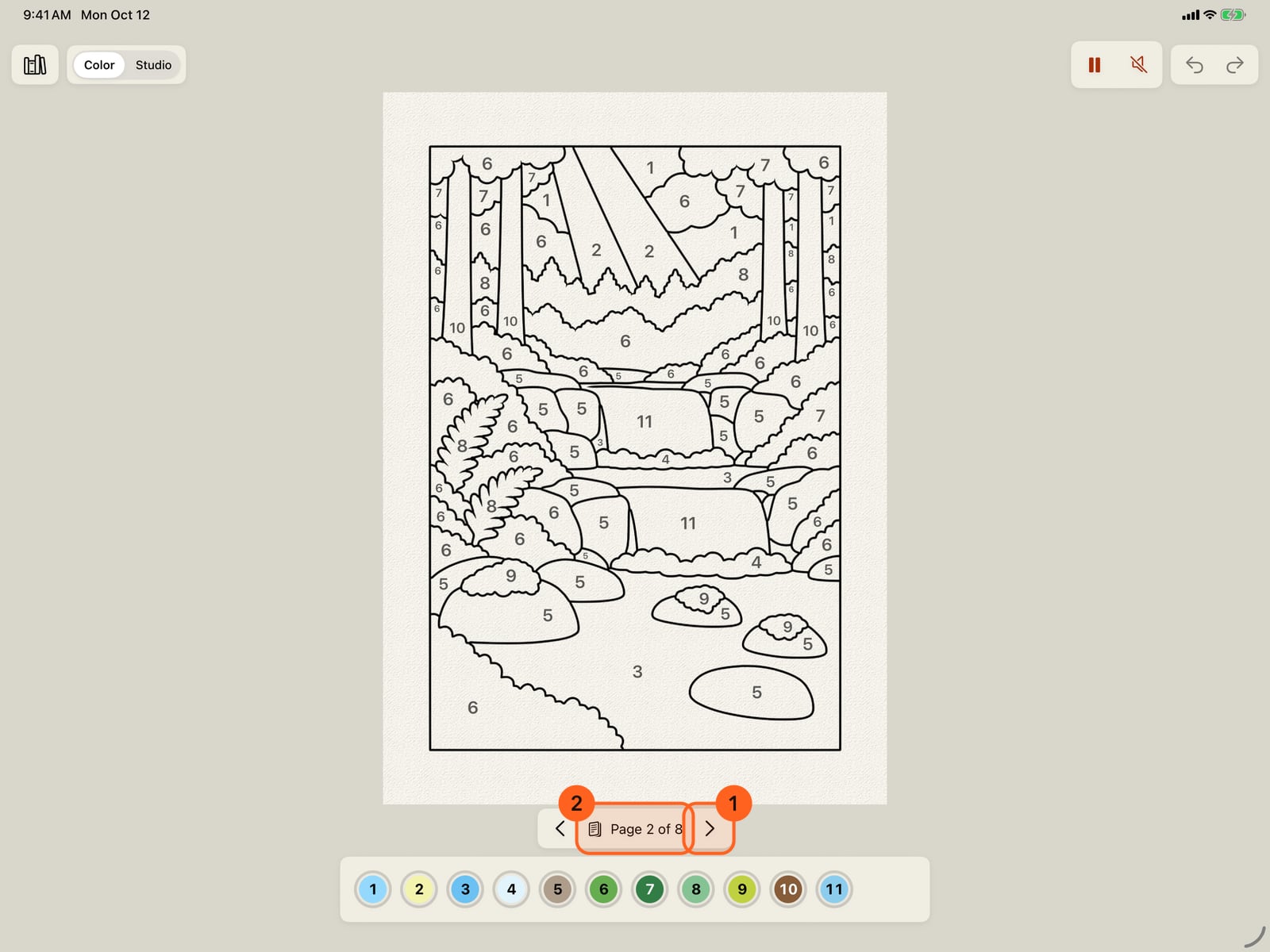
Tap Paint by number, then the arrow under the page for page 2, the waterfall. The arrows turn to the pages beside it, and the page number shows them all.
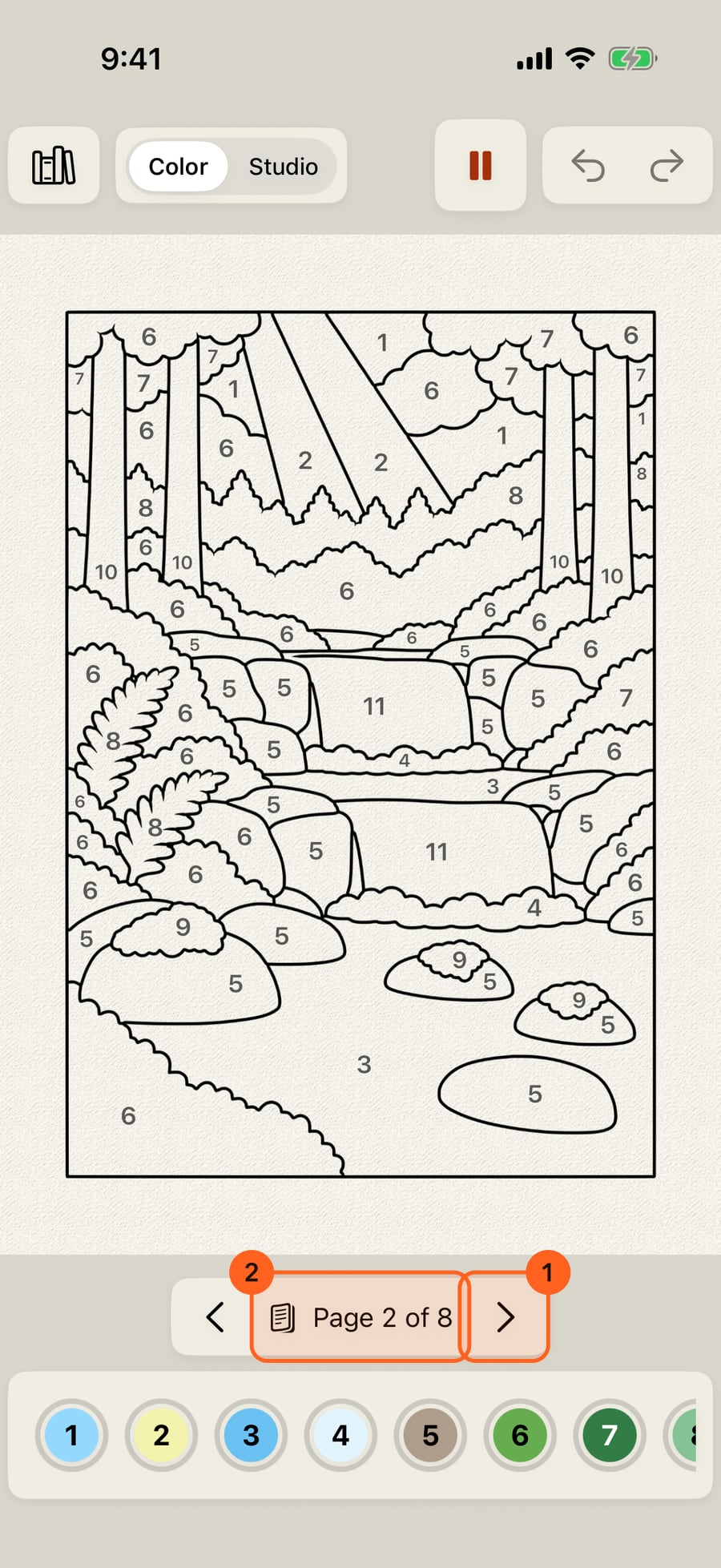
Click Paint by number, then the arrow under the page for page 2, the waterfall. The arrows turn to the pages beside it, and the page number shows them all.
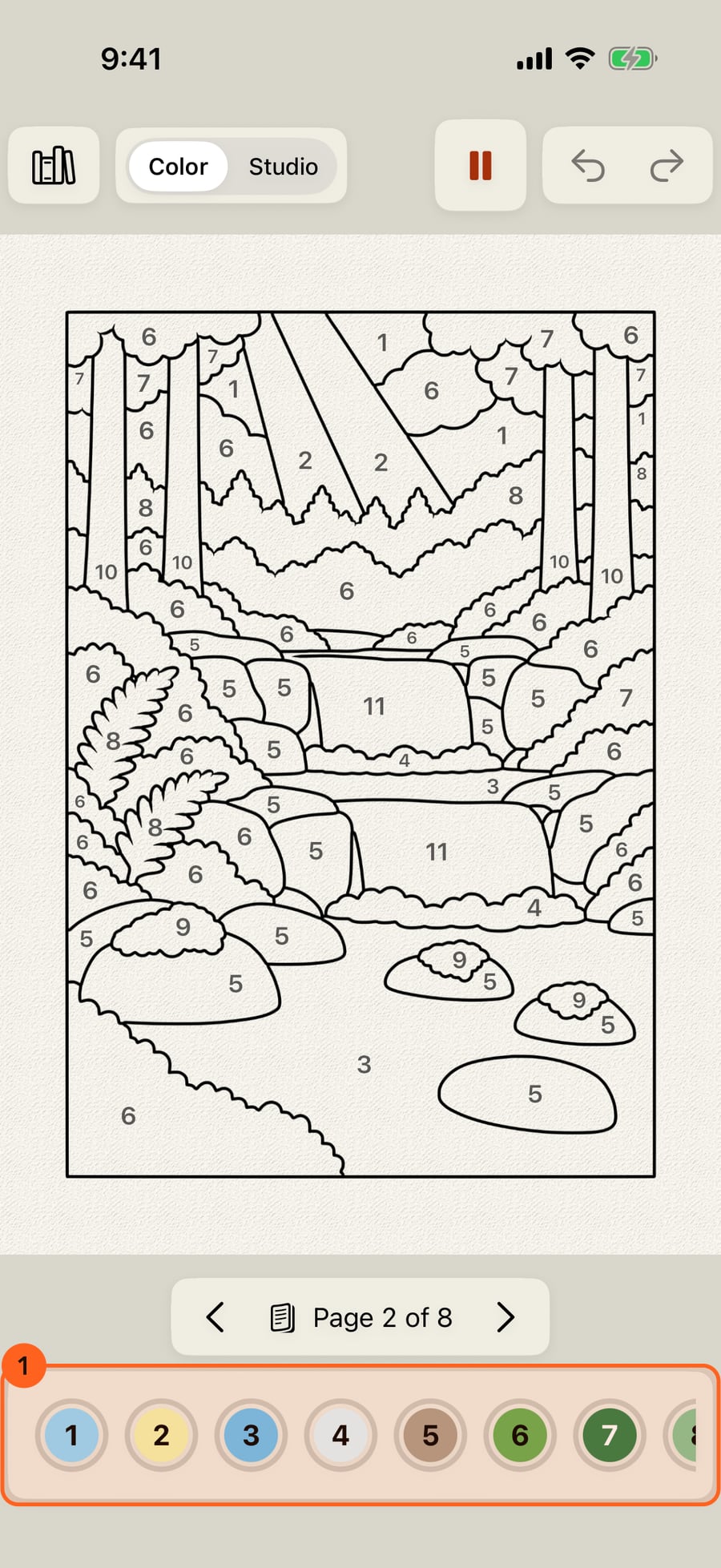
Color shows the page and only what colouring needs. Below it are the numbers still to paint, each in its own colour with a ring for how much of it is painted.
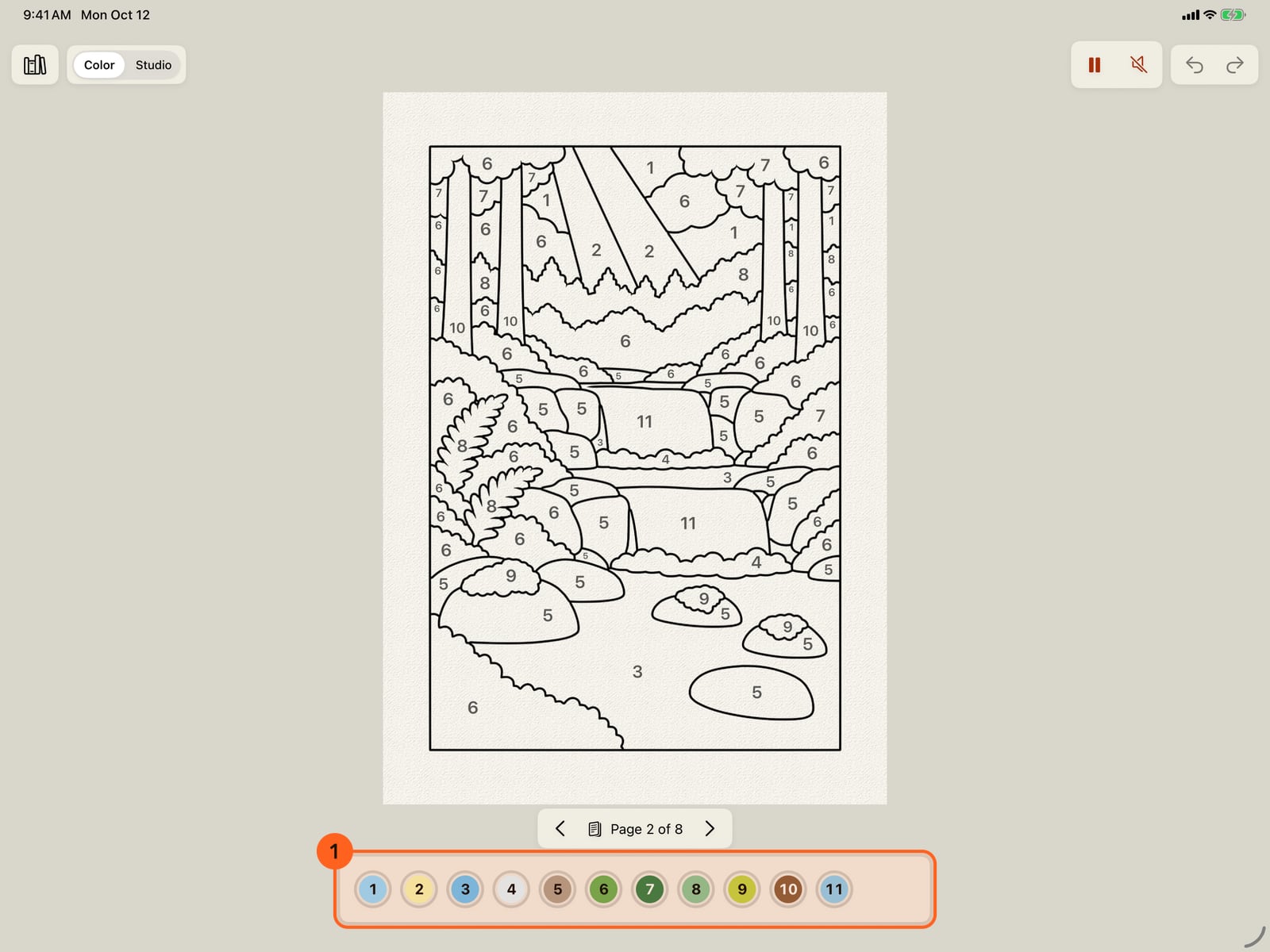
Color shows the page and only what colouring needs. Below it are the numbers still to paint, each in its own colour with a ring for how much of it is painted.
Tap a number. Its areas still to paint show a light checkerboard, and nothing else changes. Here, the river.
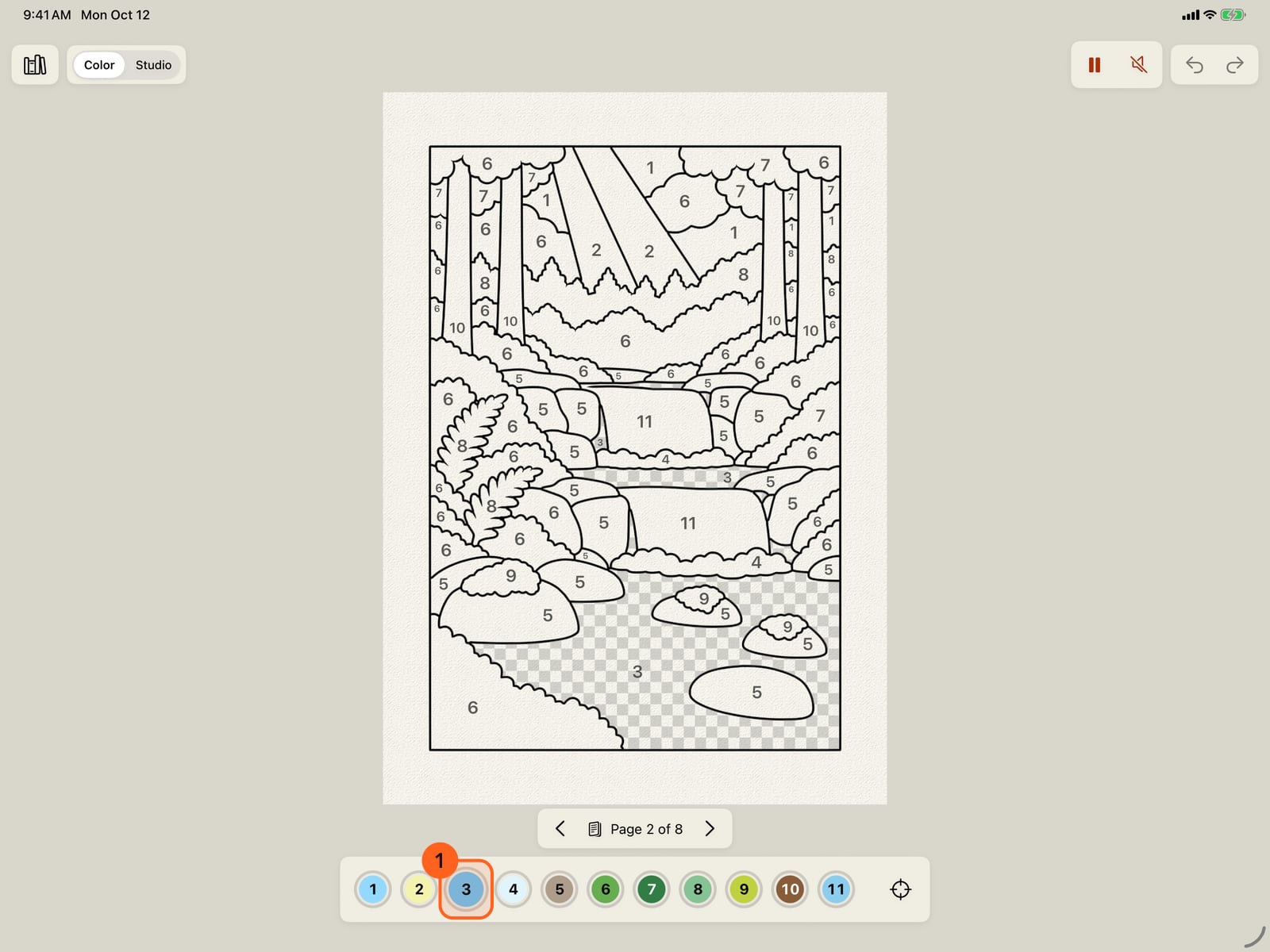
Tap a number. Its areas still to paint show a light checkerboard, and nothing else changes. Here, the river.
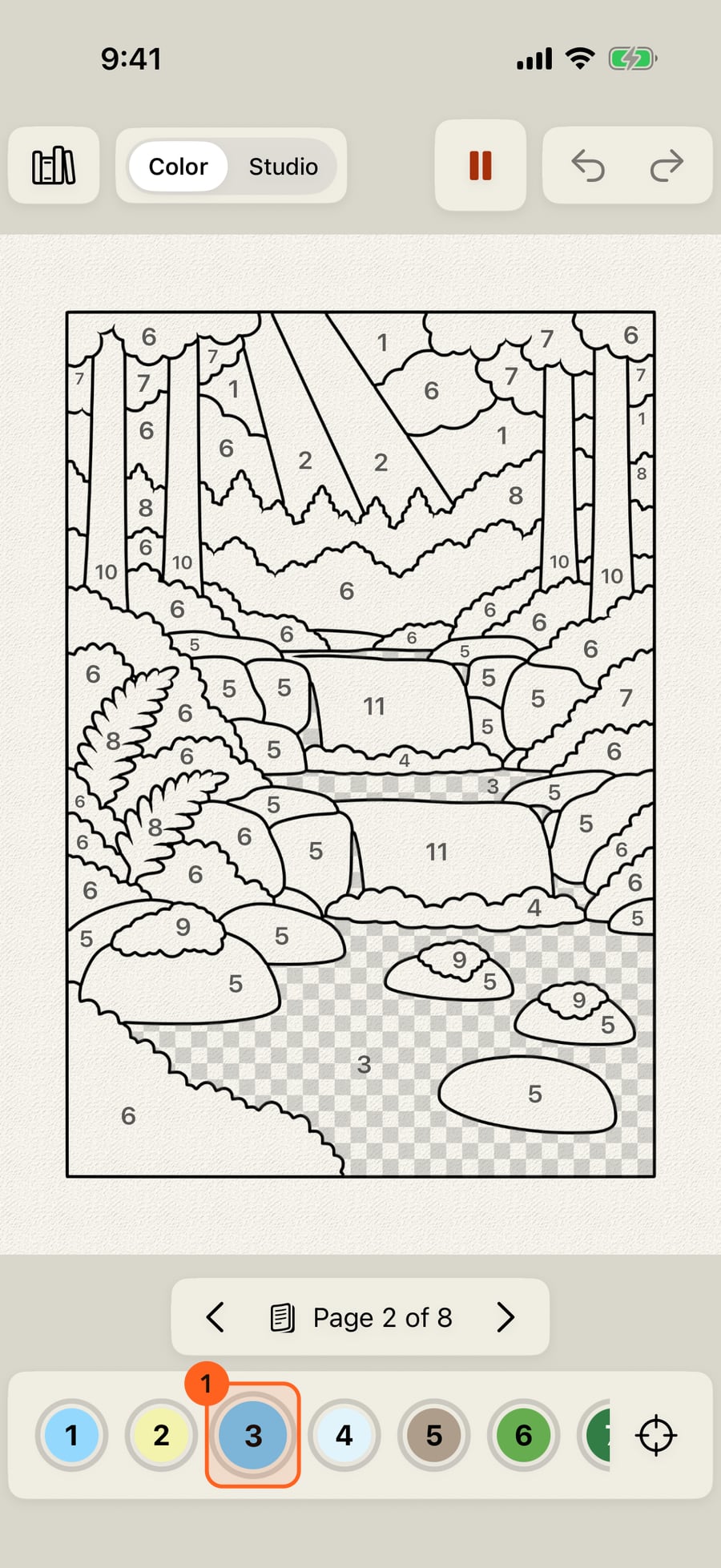
Click a number. Its areas still to paint show a light checkerboard, and nothing else changes. Here, the river.
Tap an area to paint it, or drag across several. Each paints itself in while you watch, its colour, shadows, highlights and a brush that moves. Its checkerboard and its number go, and the ring fills.
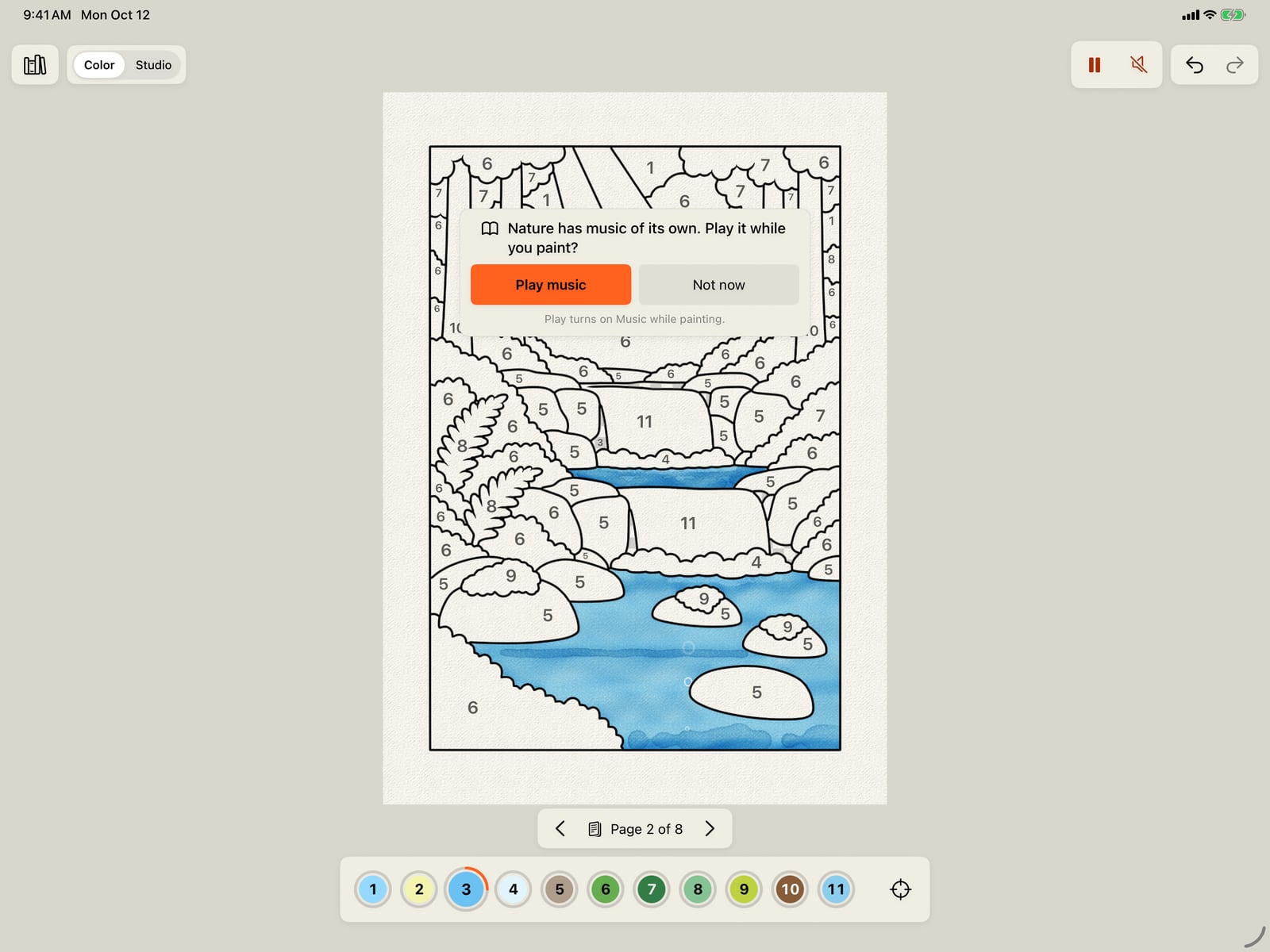
Tap an area to paint it, or drag across several. Each paints itself in while you watch, its colour, shadows, highlights and a brush that moves. Its checkerboard and its number go, and the ring fills.
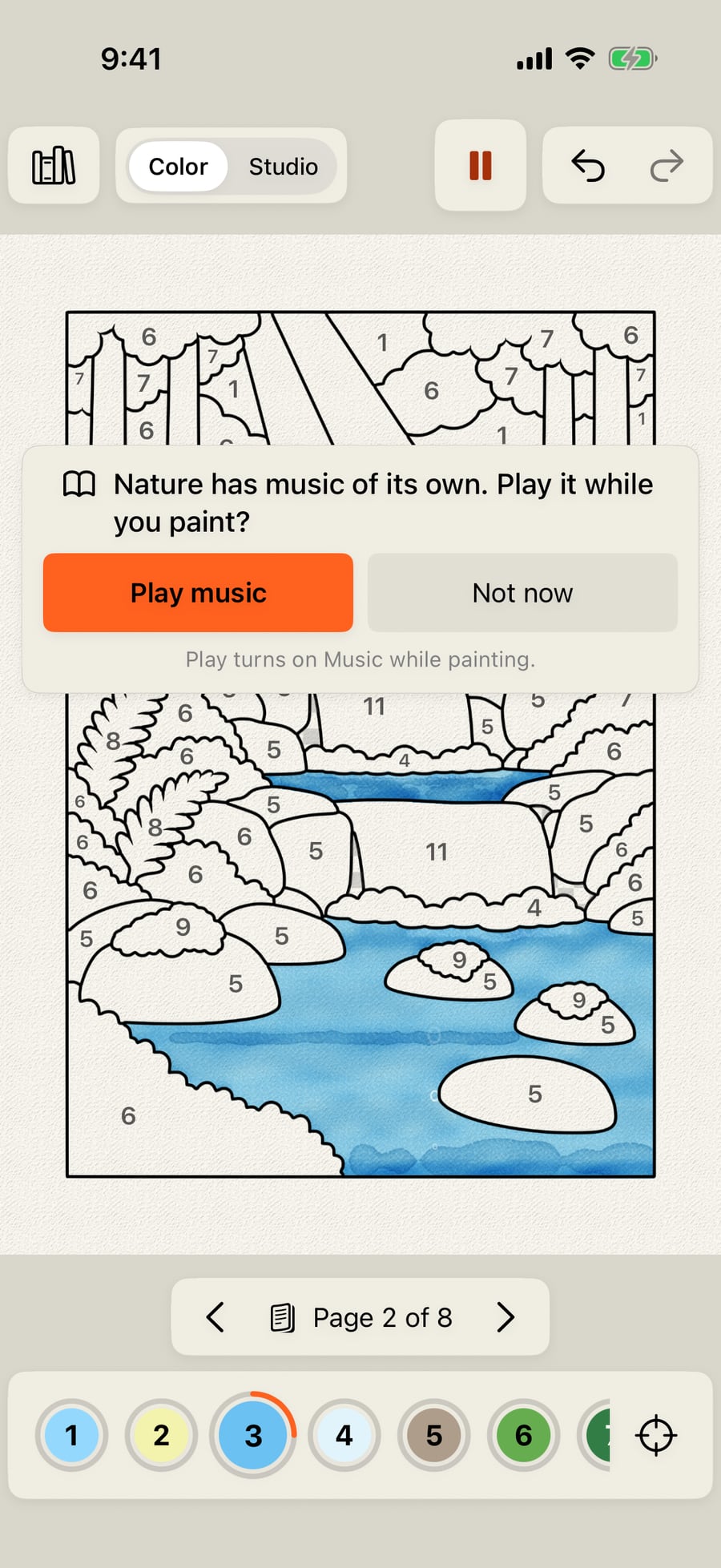
Click an area to paint it, or drag across several. Each paints itself in while you watch, its colour, shadows, highlights and a brush that moves. Its checkerboard and its number go, and the ring fills.
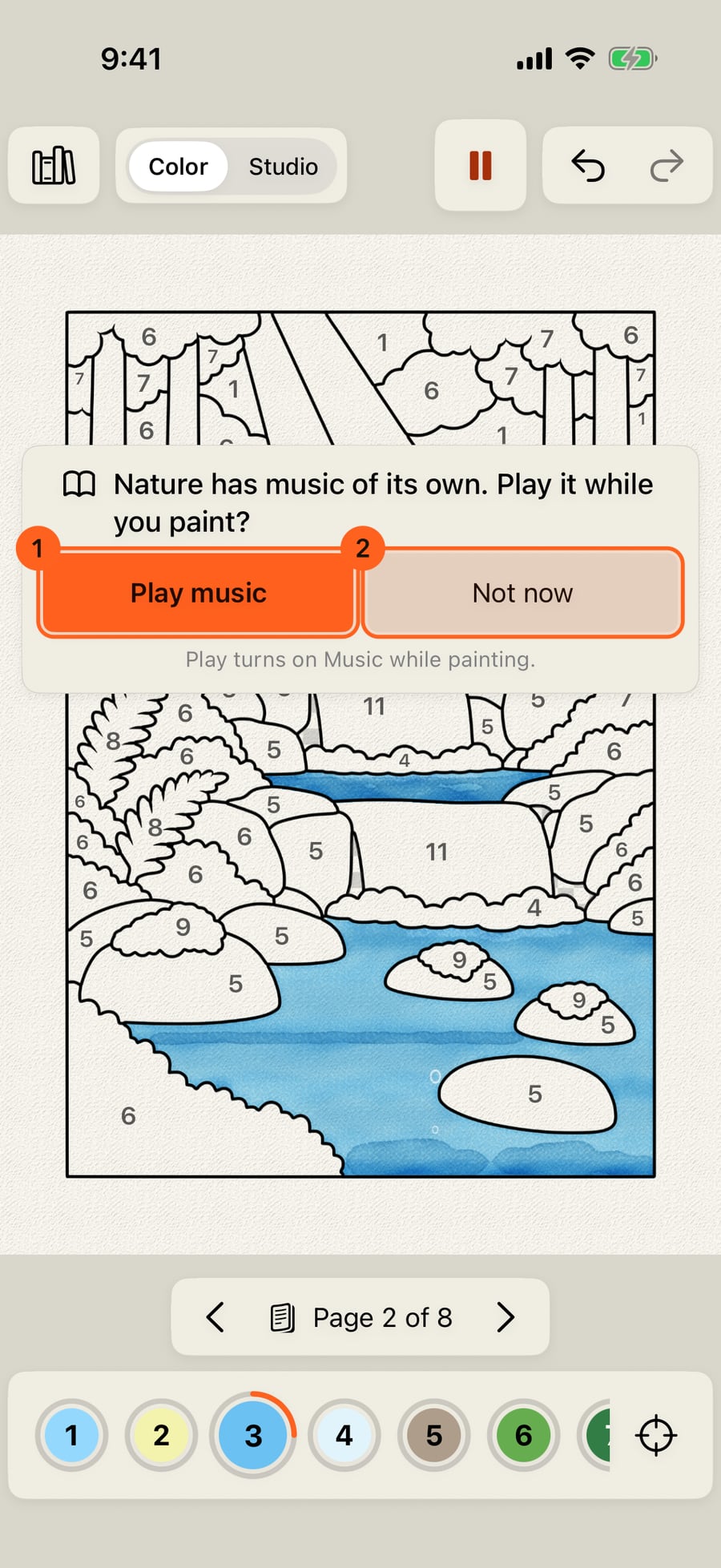
After your first area, the book offers its music. Play music turns on Music while painting; Not now keeps it quiet, and this book won't ask again.
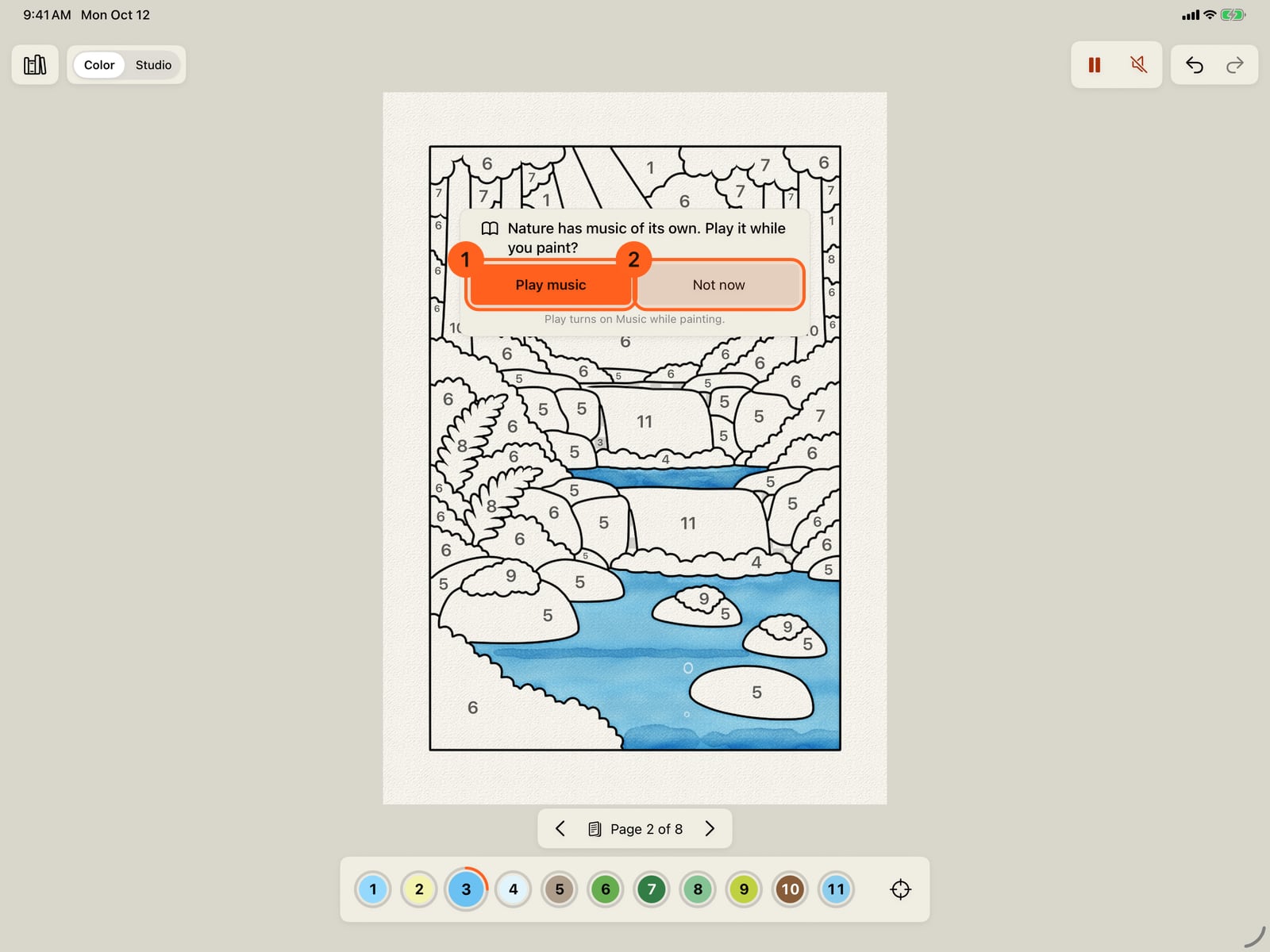
After your first area, the book offers its music. Play music turns on Music while painting; Not now keeps it quiet, and this book won't ask again.
Here, Not now. Only the chosen number's areas take paint, and each takes it once. A tap on another number's area paints nothing; its number pulses below, so you know which it is.
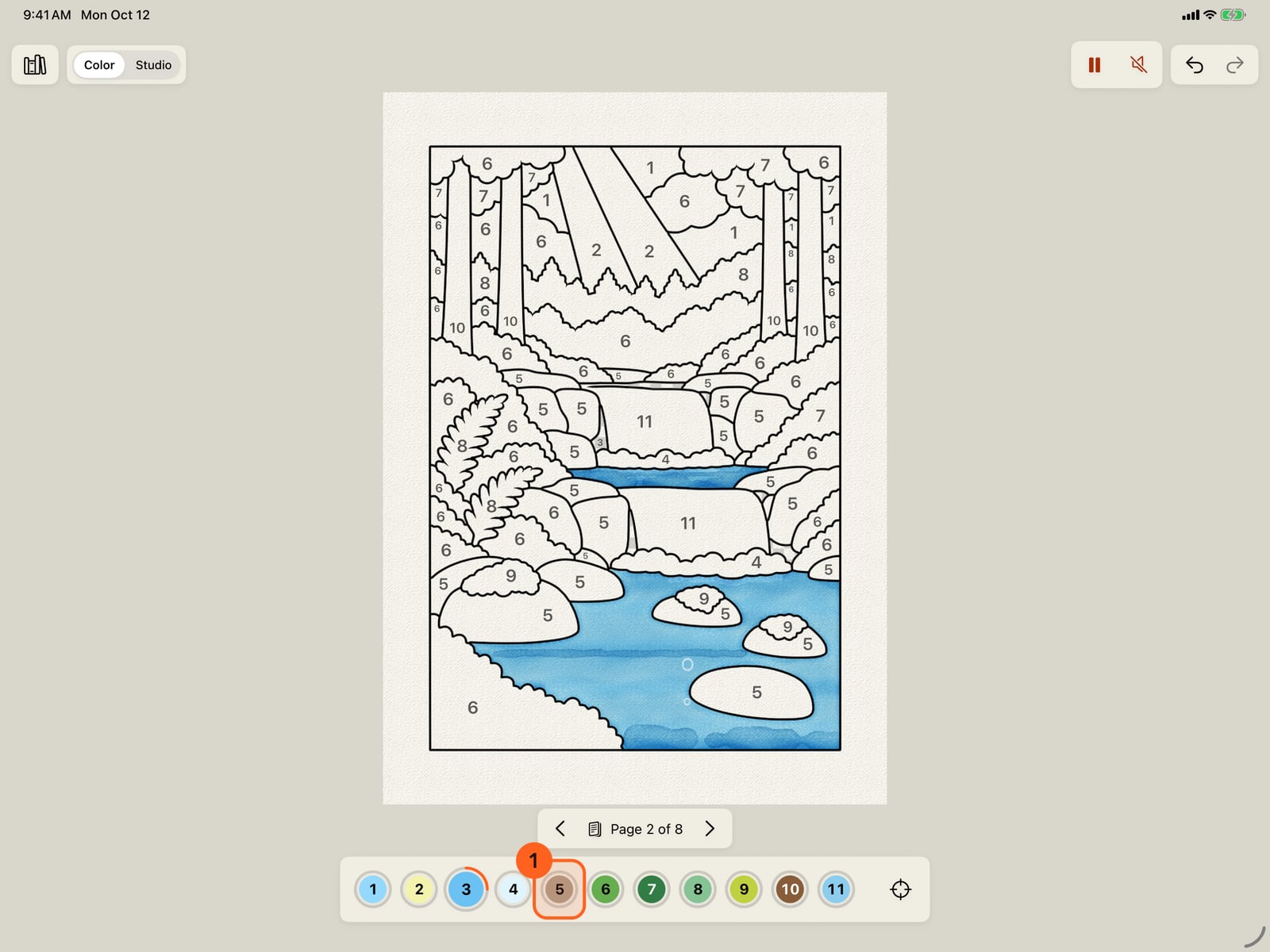
Here, Not now. Only the chosen number's areas take paint, and each takes it once. A tap on another number's area paints nothing; its number pulses below, so you know which it is.
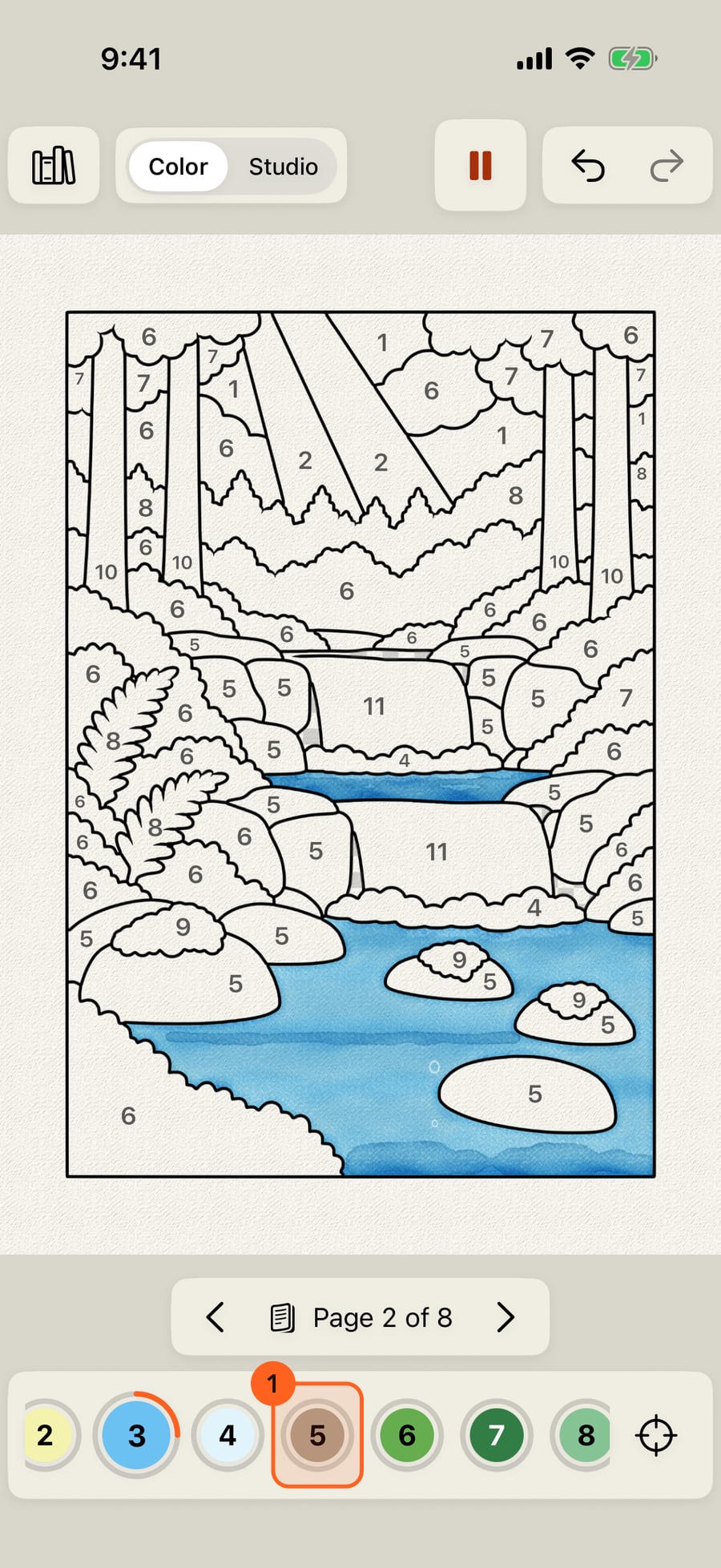
Here, Not now. Only the chosen number's areas take paint, and each takes it once. A click on another number's area paints nothing; its number pulses below, so you know which it is.
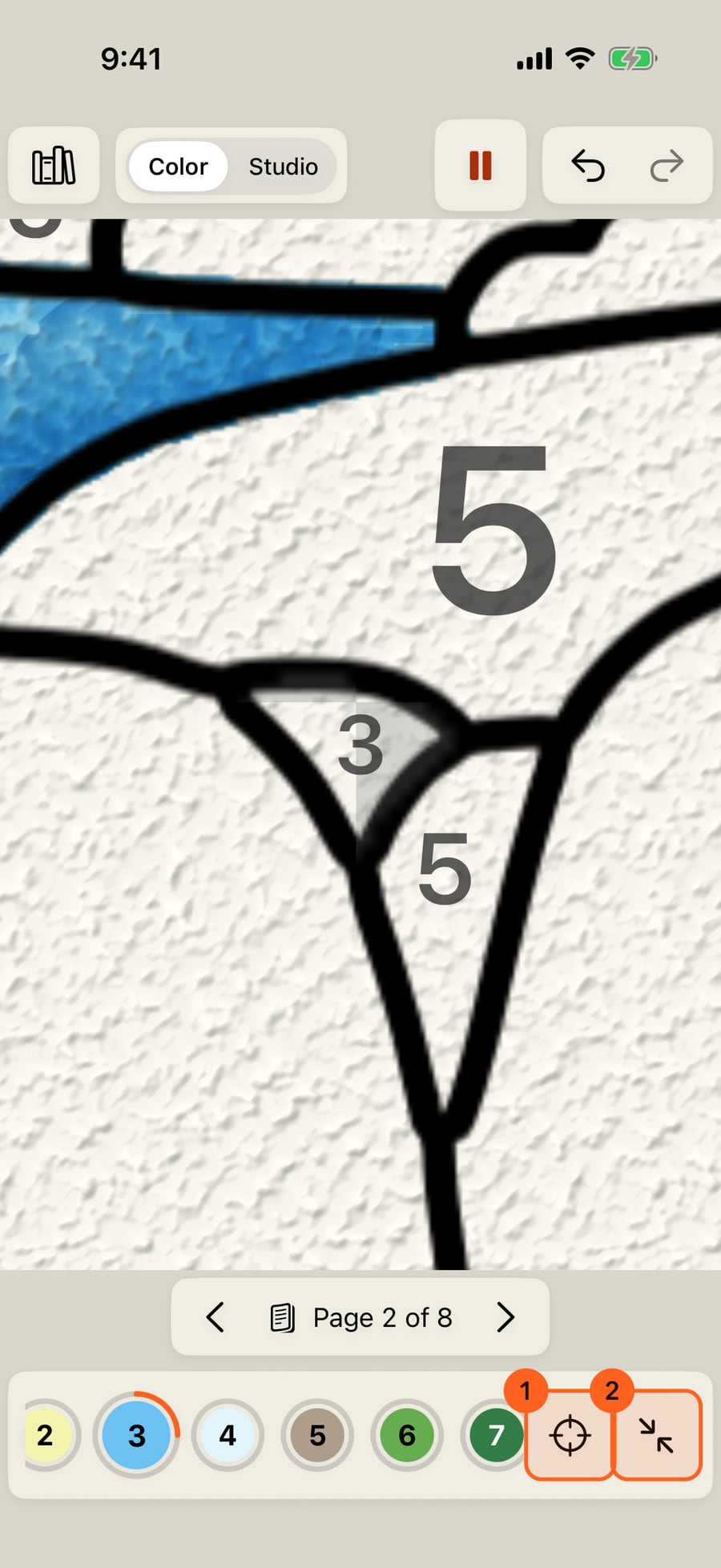
Find takes you to an area of the chosen number still to paint, the smallest first. Whole page, beside it, takes you back out, and so does finishing a number.
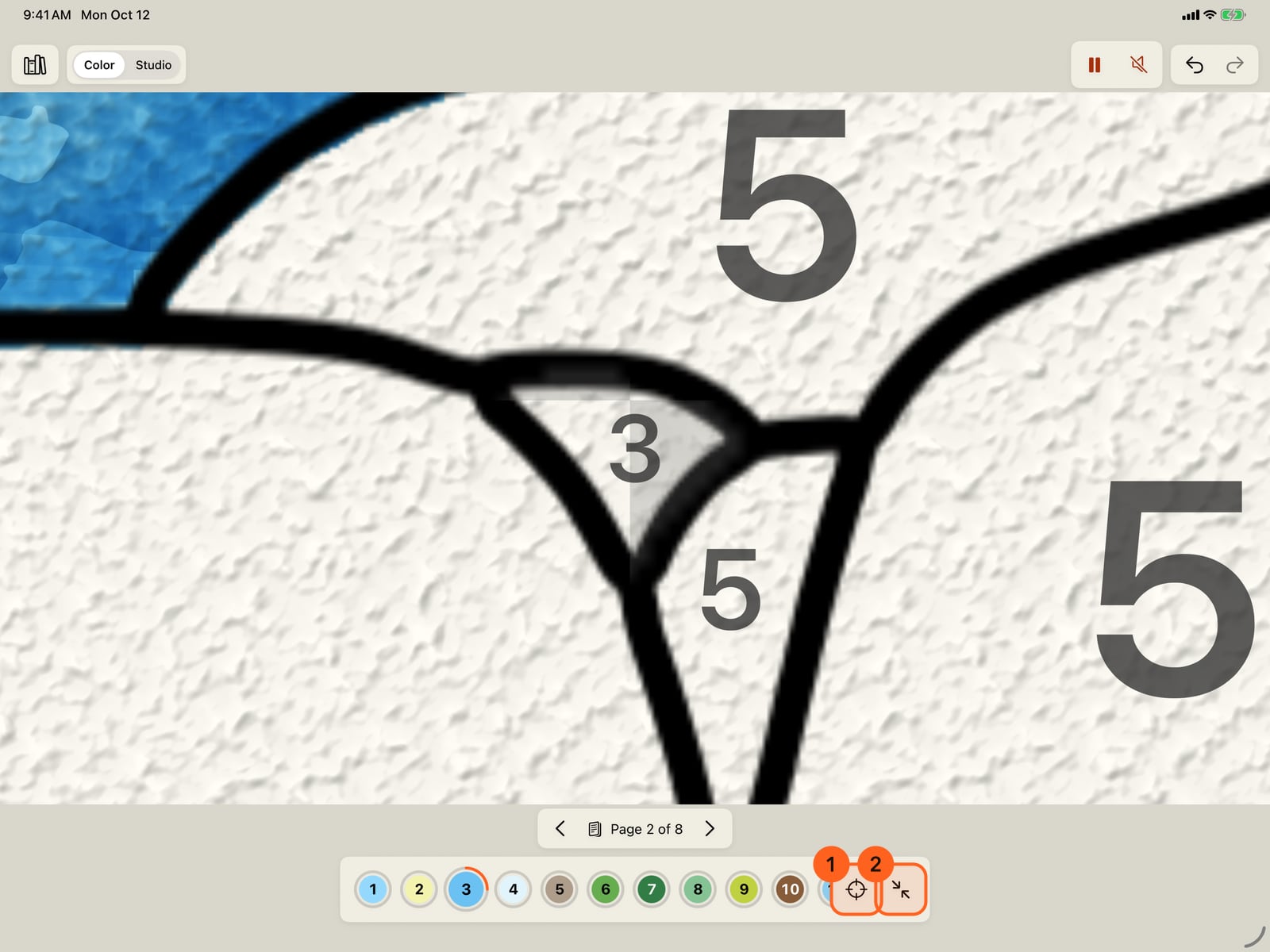
Find takes you to an area of the chosen number still to paint, the smallest first. Whole page, beside it, takes you back out, and so does finishing a number.
Two ways to colour a book
The coloring books that come with the app are also paint-by-number books. Open one from Actions → Coloring books… and its preview offers both:
- Paint by number 1: opens in Color, a simple screen where every area shows a number and each number brings its colours and brushes.
- Start colouring 2: opens the Studio, the whole app, on the same pages as a plain coloring book, with the book's palette on the wheel and your own choice of what goes where.
The first time Color opens, a finger shows what to do: tap a colour, then tap its areas (see Color's first page).
Color
Color shows the page and only what colouring needs 1: the way back to the books, Color · Studio, Undo and Redo above the page (on a small iPhone in a language with long words, Redo steps aside: tap with three fingers to redo); the pages; and below, the numbers still to paint. In a book, the bar under the page shows which page it is 2, and its arrows 1 turn to the pages beside it. The page number opens Pages, with every page of the book.
- Each number shows its colour and a ring for how much of it is painted. A number fully painted leaves the dock, so what's left is what's still to do; undo its last area and it comes back. When the last one goes, the page is finished.
- Tap a number 1: its areas still to paint wear a light, see-through checkerboard. Nothing else on the page changes. With no number chosen yet, tapping an area chooses its number and paints it.
- Tap an area, or drag across several: each of the chosen number's areas paints itself in while you watch, as a painter would: its base colour, a deeper shade on the side away from the light, a highlight on the side toward it, and the brush that moves (ripples on water, leaves that rustle). Then what lives there comes in, made with the app's Motion Brushes: the water's own paint rolls and flows, with a stream of paint running through it, pools gathering at its edge and bubbles rising; fish and bubbles in deep water, whitewater in the surf, beads of paint running down a waterfall and mixing where they meet; a day sky's paint drifts slowly with clouds drifting across it, and pools along the horizon; stars twinkle and a shooting star crosses a night sky; flames lick round the sun and flicker in lamps and lit windows, the moon glows, fireflies glow at night, an aurora ripples; petals drift off flowers with butterflies over the big ones, a tree's leaves rustle and sway, seeds drift over a meadow, snow blows, smoke and sparks rise from a chimney. Stone, wood and buildings keep still, so the rest shows. Where it all goes follows the area's shape and the page's light. Tap on while one paints in, and the next waits its turn. One Undo takes back the whole area.
- Only the chosen number's areas take paint, and each takes it once. A tap on an area of another number paints nothing: that number's swatch pulses in the dock 1, and VoiceOver says which number the area is. A painted area takes no second coat.
- An area's number and checkerboard go once it has paint. When every area of a number has paint, the next number is chosen for you.
- Find 1 takes you to an area of the chosen number still to paint, the smallest first, with its number in the middle.
- Zoom: pinch to look closer; the page never gets smaller than the whole page, and it stays upright. While you're zoomed in, Whole page 2 beside Find takes you back out, and finishing a number, the page, or the area Find showed does the same by itself. Small areas' numbers appear as you zoom in, once they're big enough to read.
- Each page counts its own numbers from 1. The same thing keeps its colour and brushes on every page of a book: the sea is the sea's blue wherever it is, even when its number differs.
When the last area has paint, an effect of the page's own comes over the whole picture (snow on a winter page, fireflies at night, petals in a garden), the page plays and a card offers what comes next: see A finished page and the Studio. To paint a number's steps yourself, brush by brush, switch to the Studio (see Paint with steps in the Studio).
Music
Every book comes with music of its own, and its pages change mood with the picture: in Nature, playful by the forest waterfall, mysterious under the smoking mountain, adventurous on the rainforest river. The first time a book opens while music is off, it offers its music, in Color once your first area has paint: Play music 1 turns on Music while painting, and Not now 2 means that book won't ask again. In the Studio you can also turn on Music while painting in the Sound sheet (beside Play) to hear it as you paint; the Style and Mood there show each page's choice, and you can change them.
Tip: Learn and practise has Color lessons on real pages: fill one, finish and share it, and paint with steps in the Studio.
Plus: Paint by number is Free in Color and in the Studio. Every step of a book paints in Free, whatever its effect look, and so do the effects each area comes alive with and the one a finished page plays, from the whole effect library, and the layers its fill makes for each medium never count against Free's five layers of your own. Buildings of the World, Flowers in the Breeze and Seasons are Plus books: page 1 is free, and their other pages come with Plus (see Coloring books).
Try it in the app.
Download on the App Store Free for iPad, iPhone and MacSomething not behaving as expected?
Visit support or write to support@doodlydoodle.app.