

Guides / Settings and Plus
Achievements
Optional badges for drawing days, strokes into the millions, the motions, media, effects and brushes you try, and your practice days, streaks, lessons and exercises, with a dashboard of how you're doing. Off until you turn them on; iCloud adds up your devices, and Game Center is a separate choice.
- Free
- Everything in this guide works in Free.
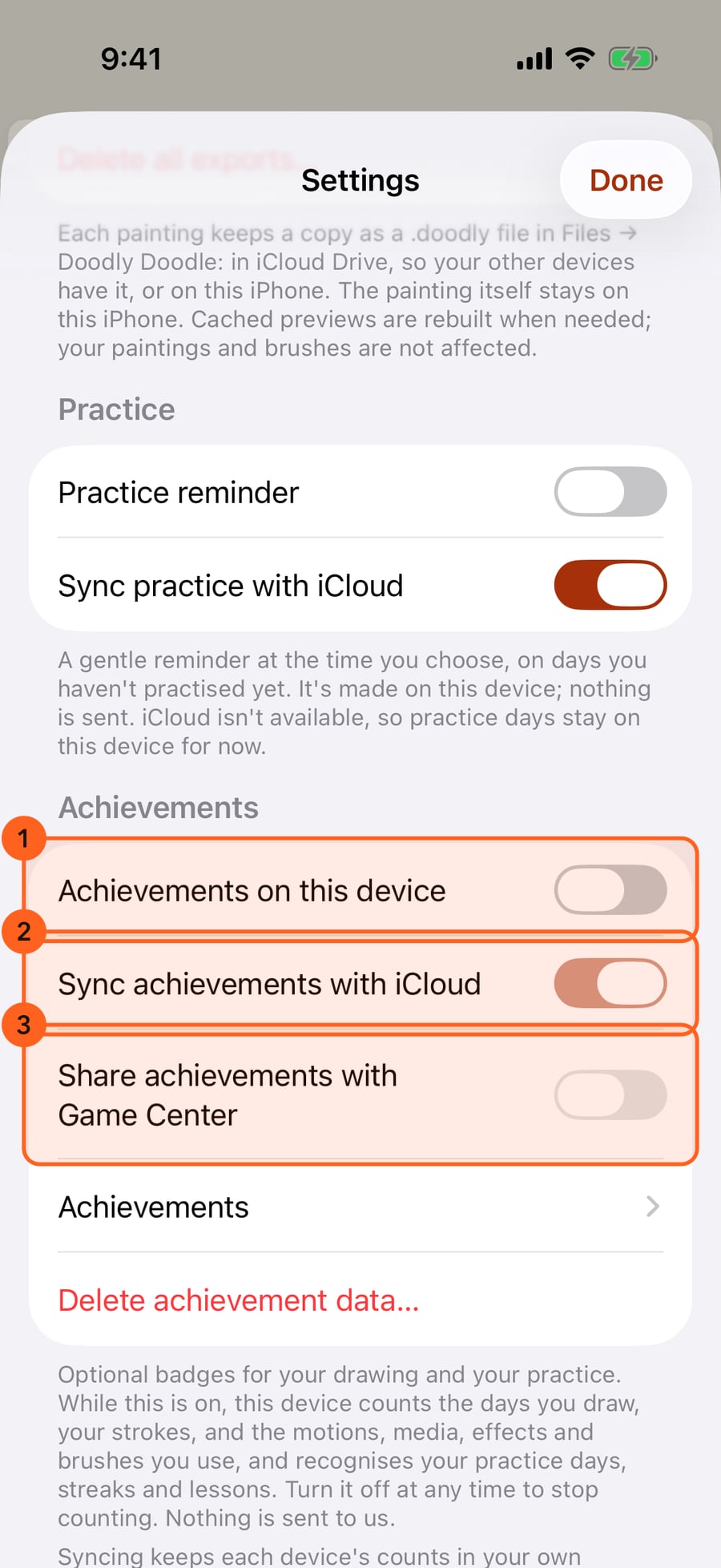
Achievements are off until you turn them on. They are in Settings, under Achievements.
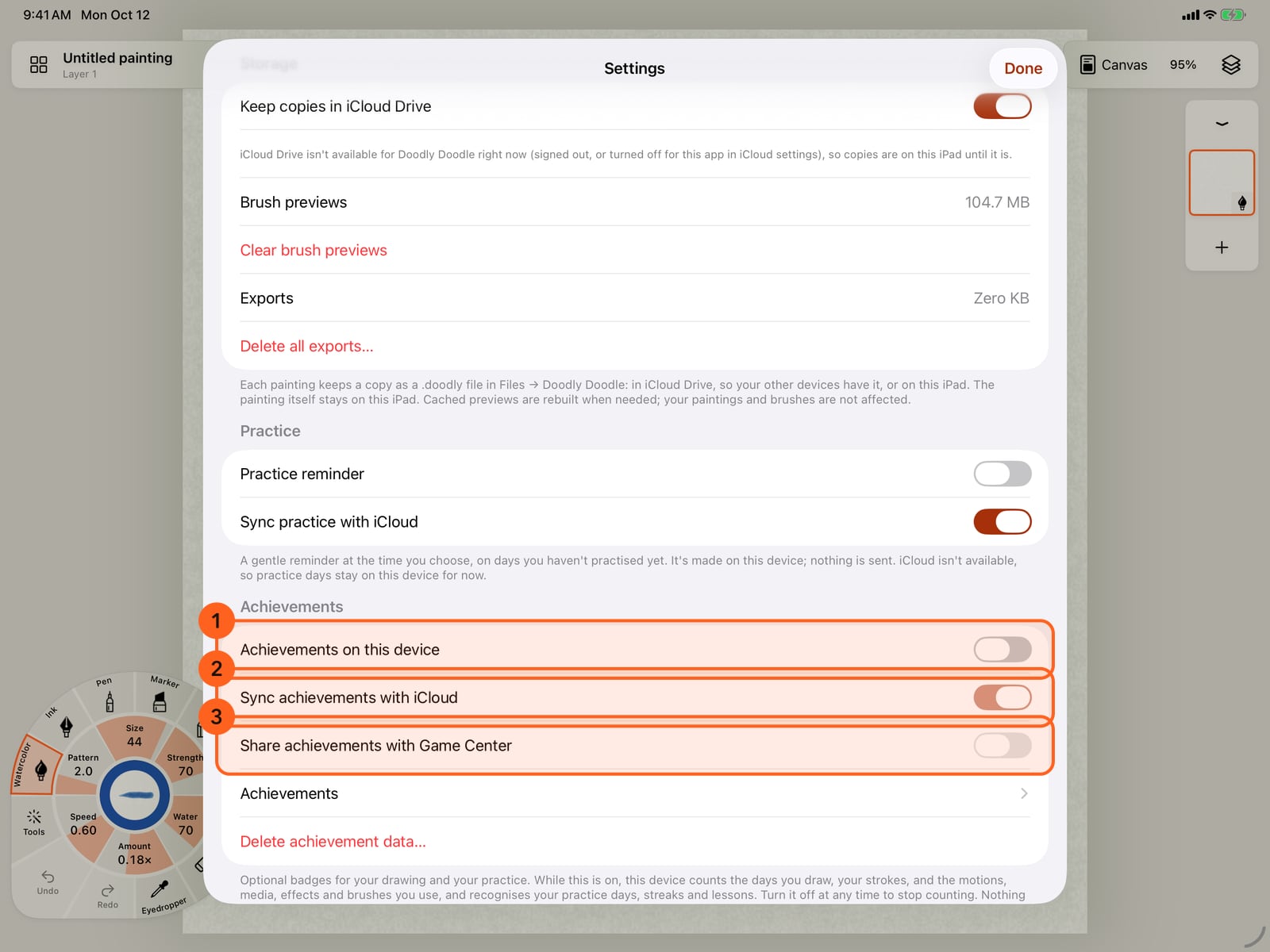
Achievements are off until you turn them on. They are in Settings, under Achievements.
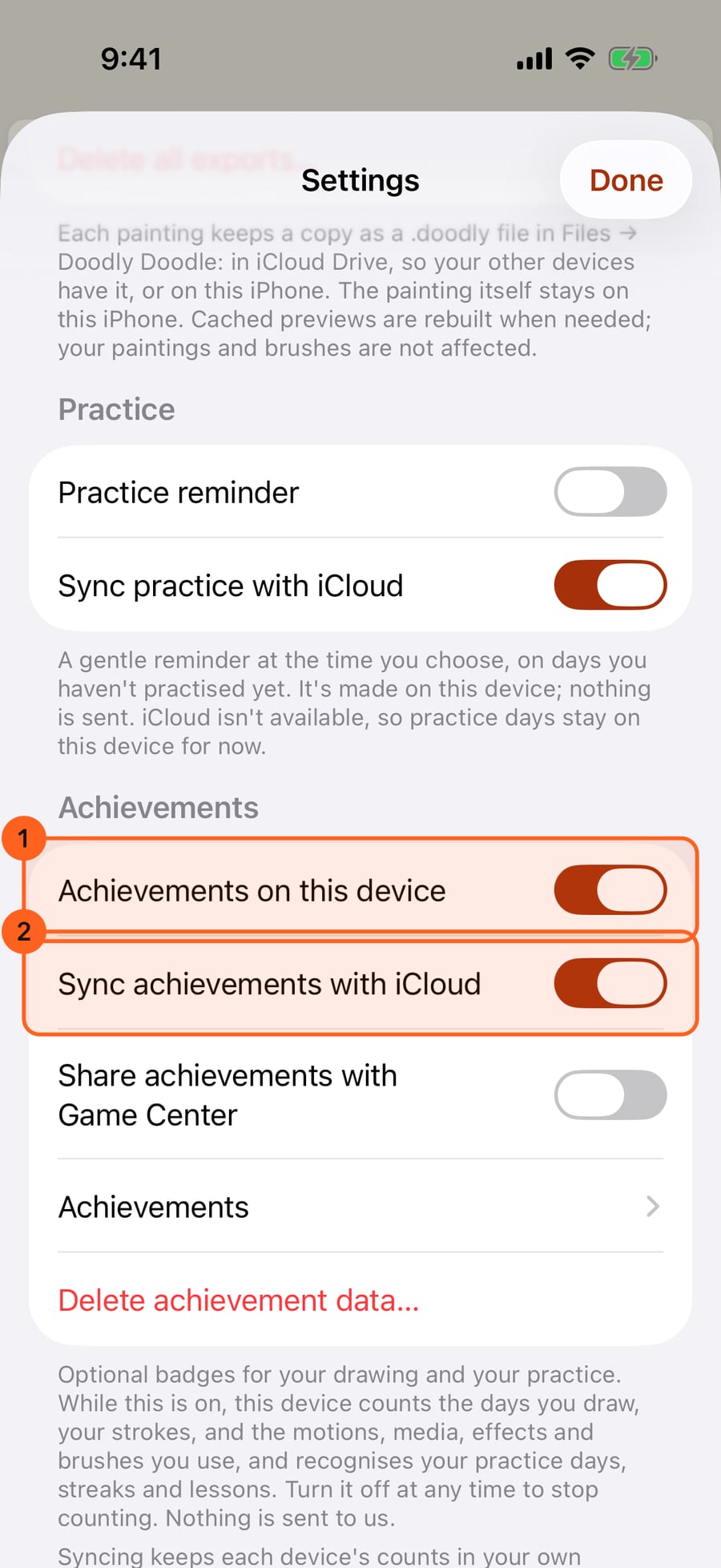
Turn on Achievements on this device. From now on, the days you draw, your strokes, and the motions, media, effects and brushes you use are counted. Sync with iCloud adds up all your devices; sharing with Game Center is a separate choice, and stays off here.
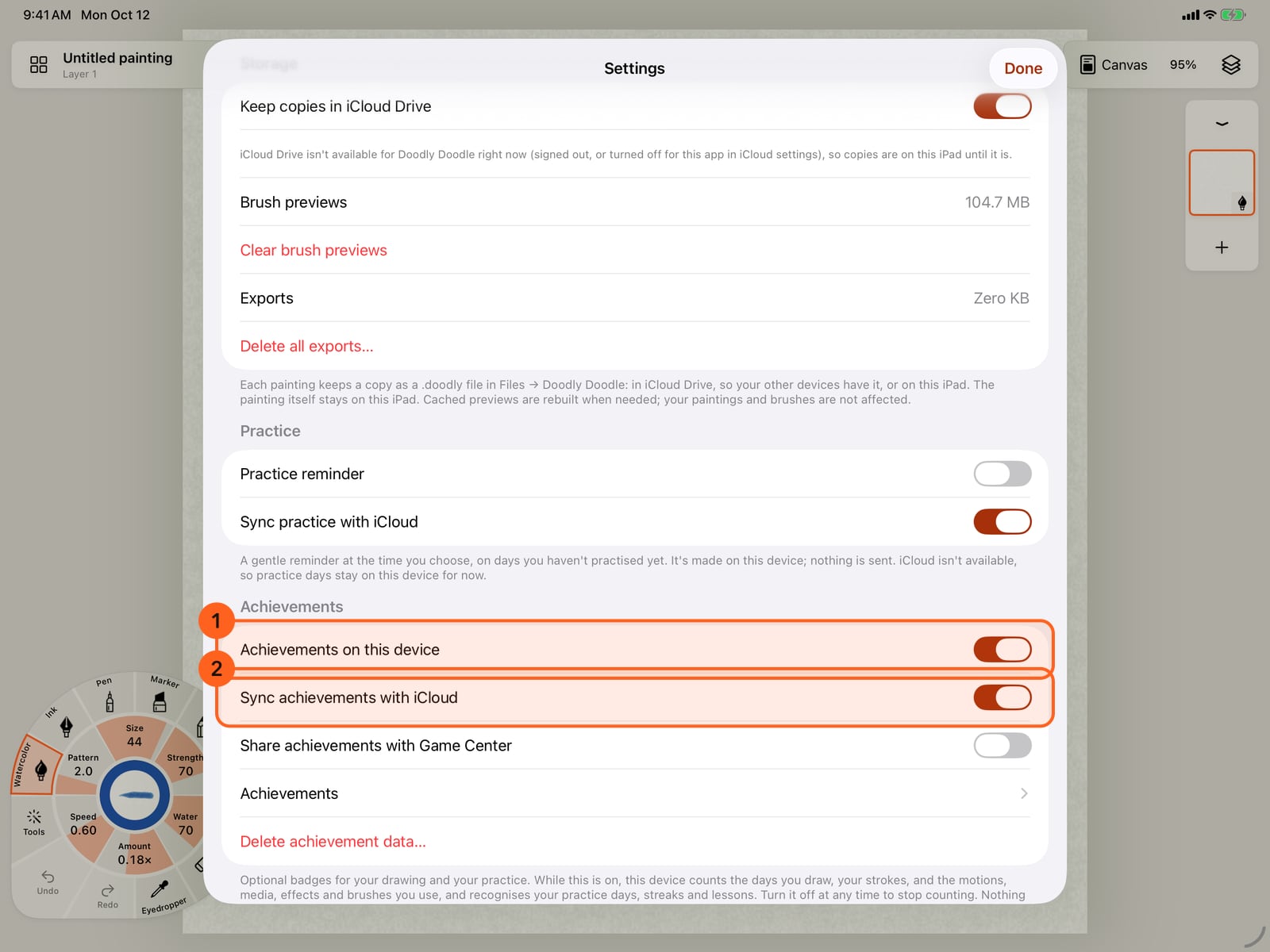
Turn on Achievements on this device. From now on, the days you draw, your strokes, and the motions, media, effects and brushes you use are counted. Sync with iCloud adds up all your devices; sharing with Game Center is a separate choice, and stays off here.
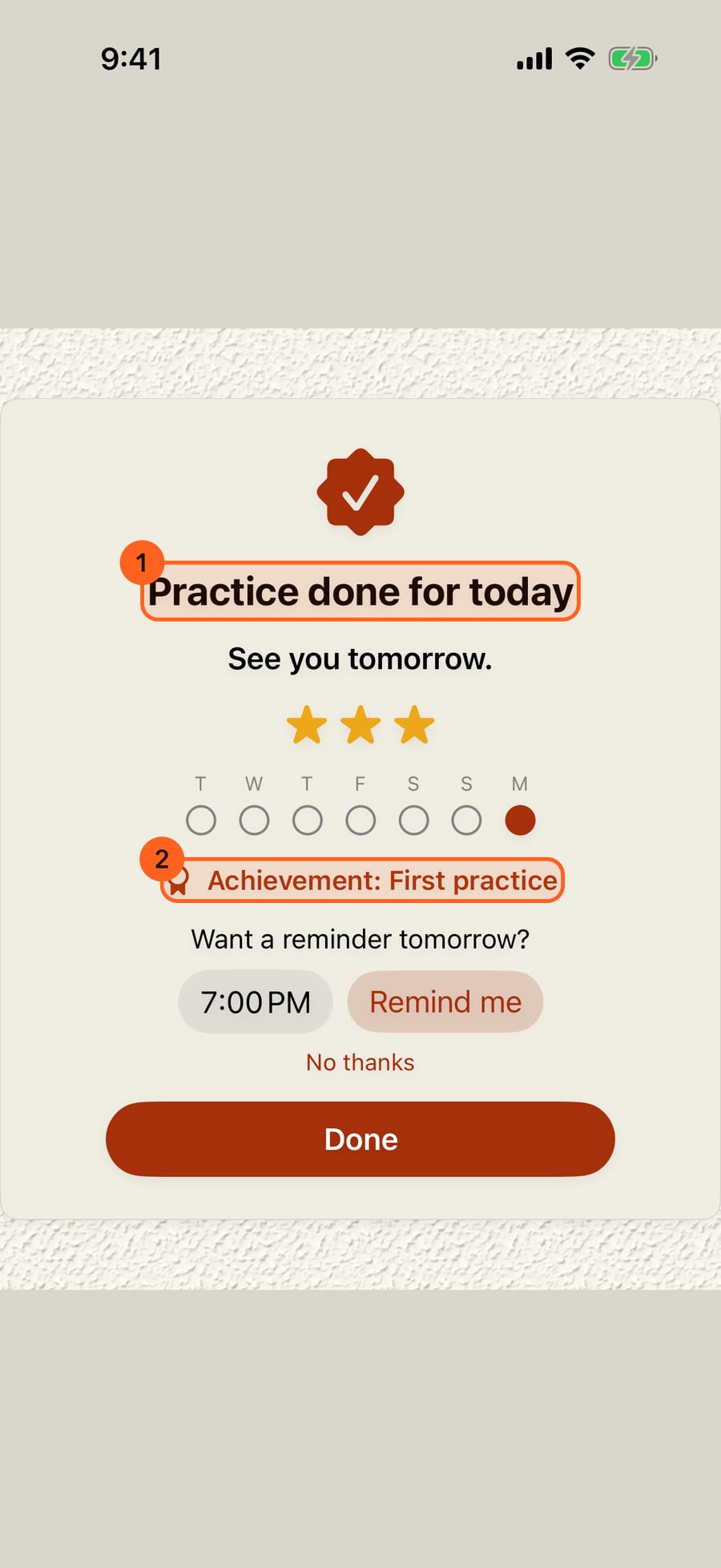
Finish a day's practice in Learn and practise, and your first practice badge is earned. The done card shows it.
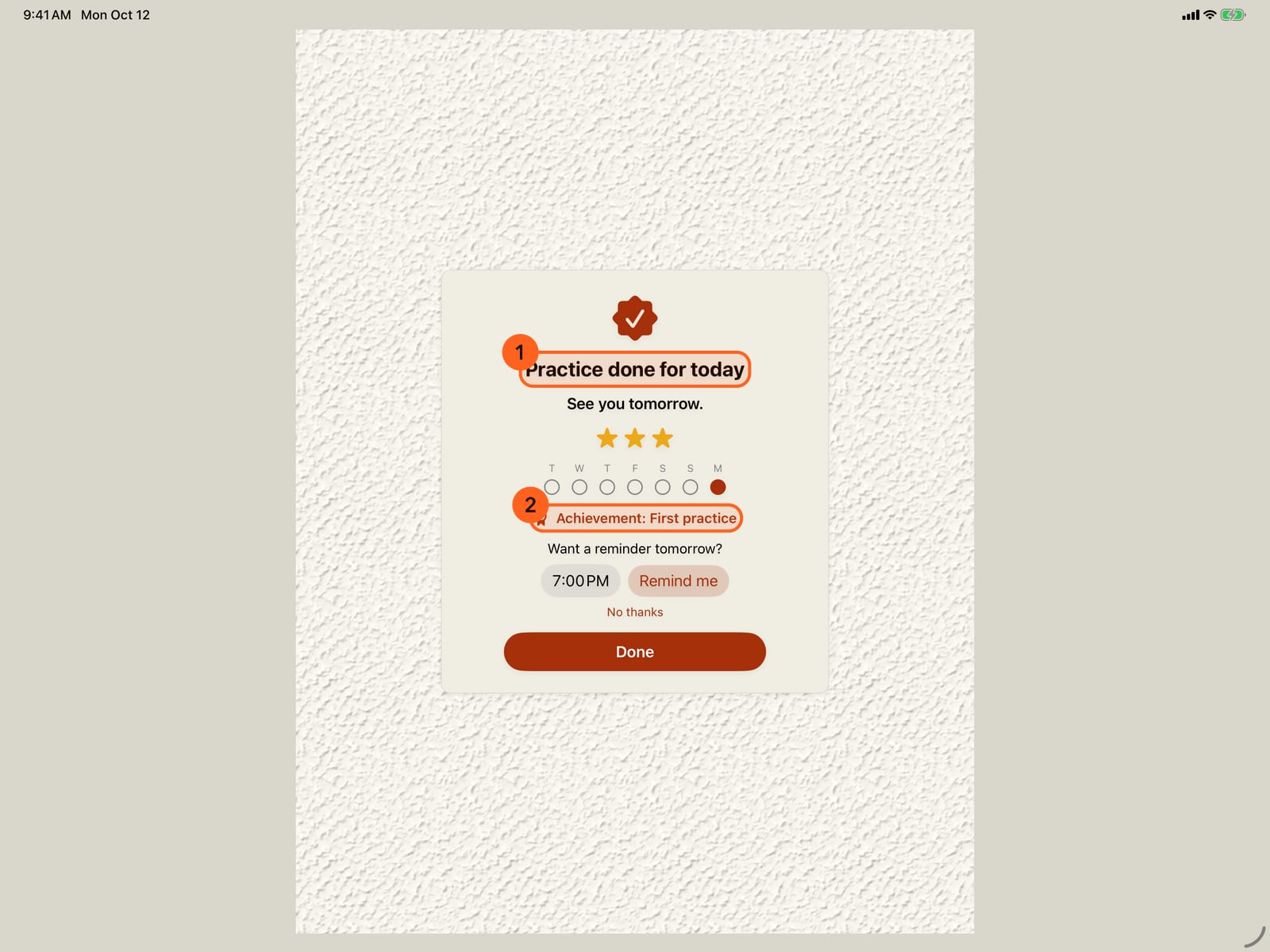
Finish a day's practice in Learn and practise, and your first practice badge is earned. The done card shows it.
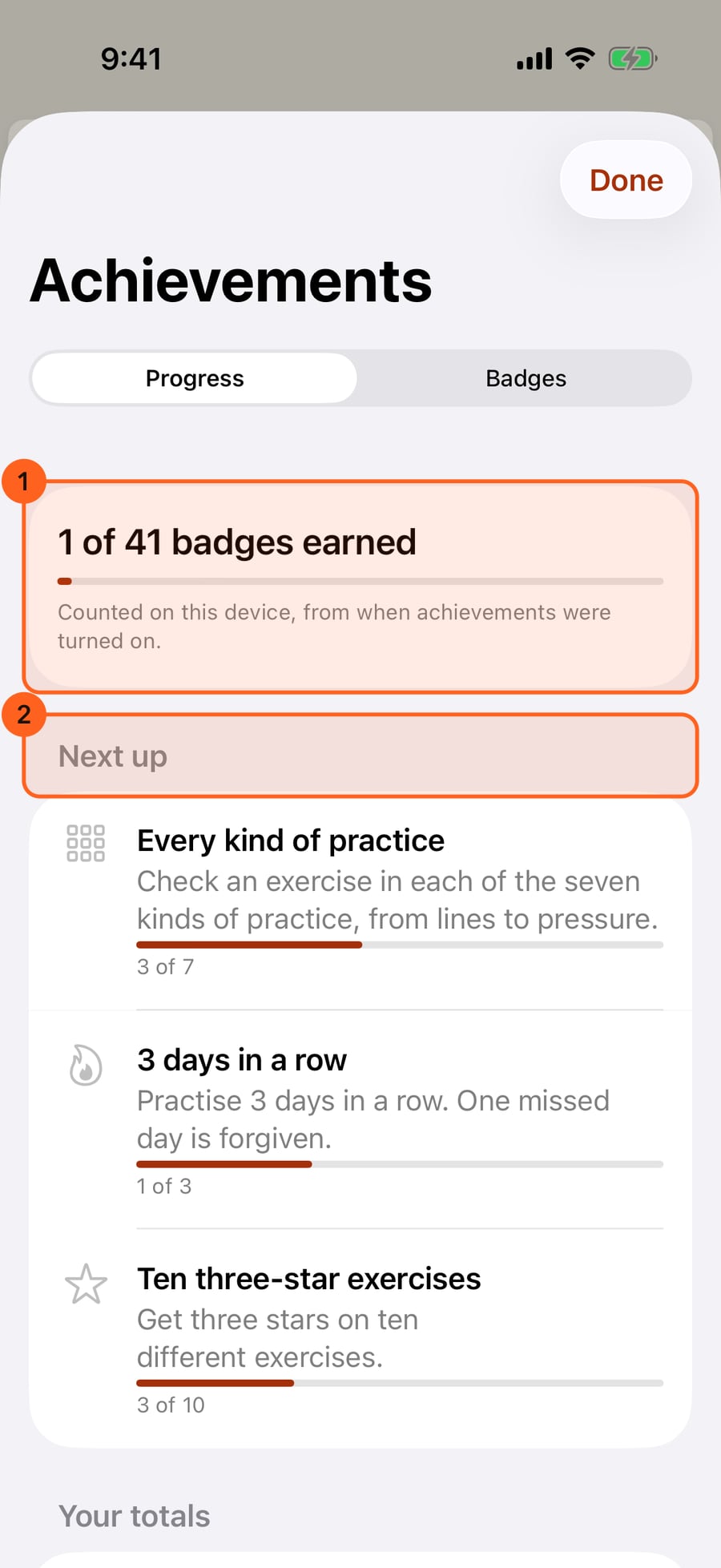
Achievements is in the Actions menu. Progress shows how many badges you have earned, and the ones you are nearest to next.
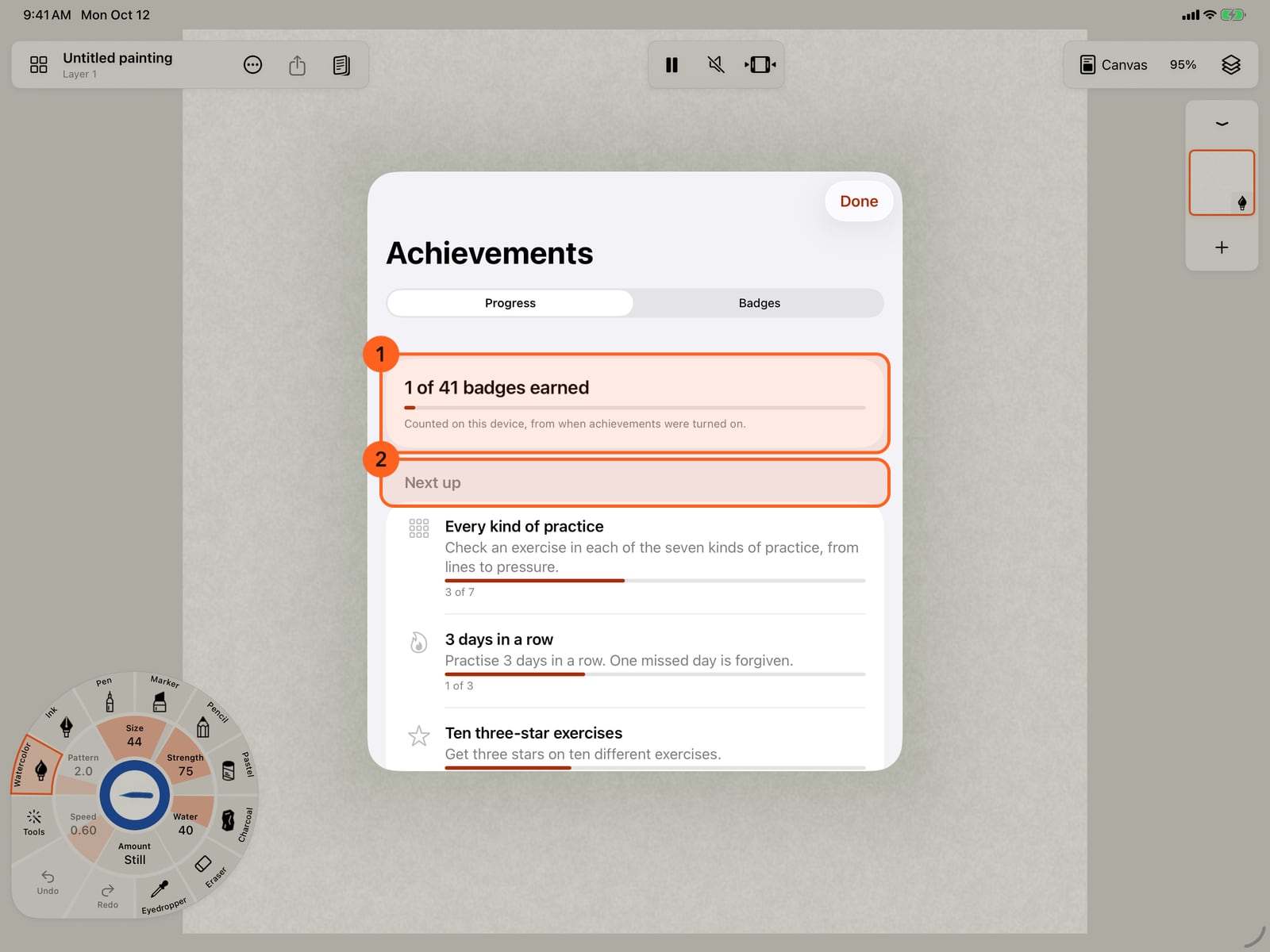
Achievements is in the Actions menu. Progress shows how many badges you have earned, and the ones you are nearest to next.
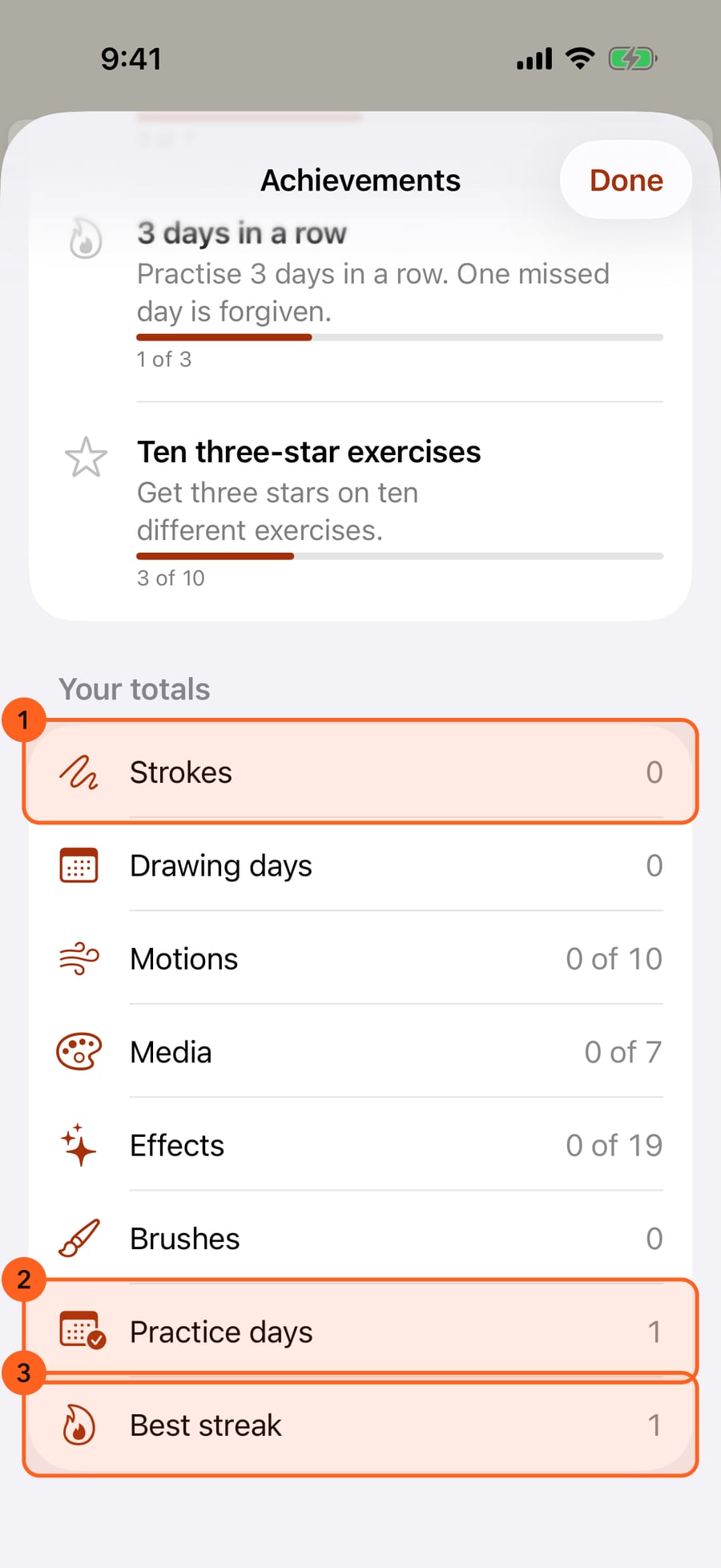
Your totals add up everything counted so far, on all your devices with iCloud, down to your practice days and best streak.
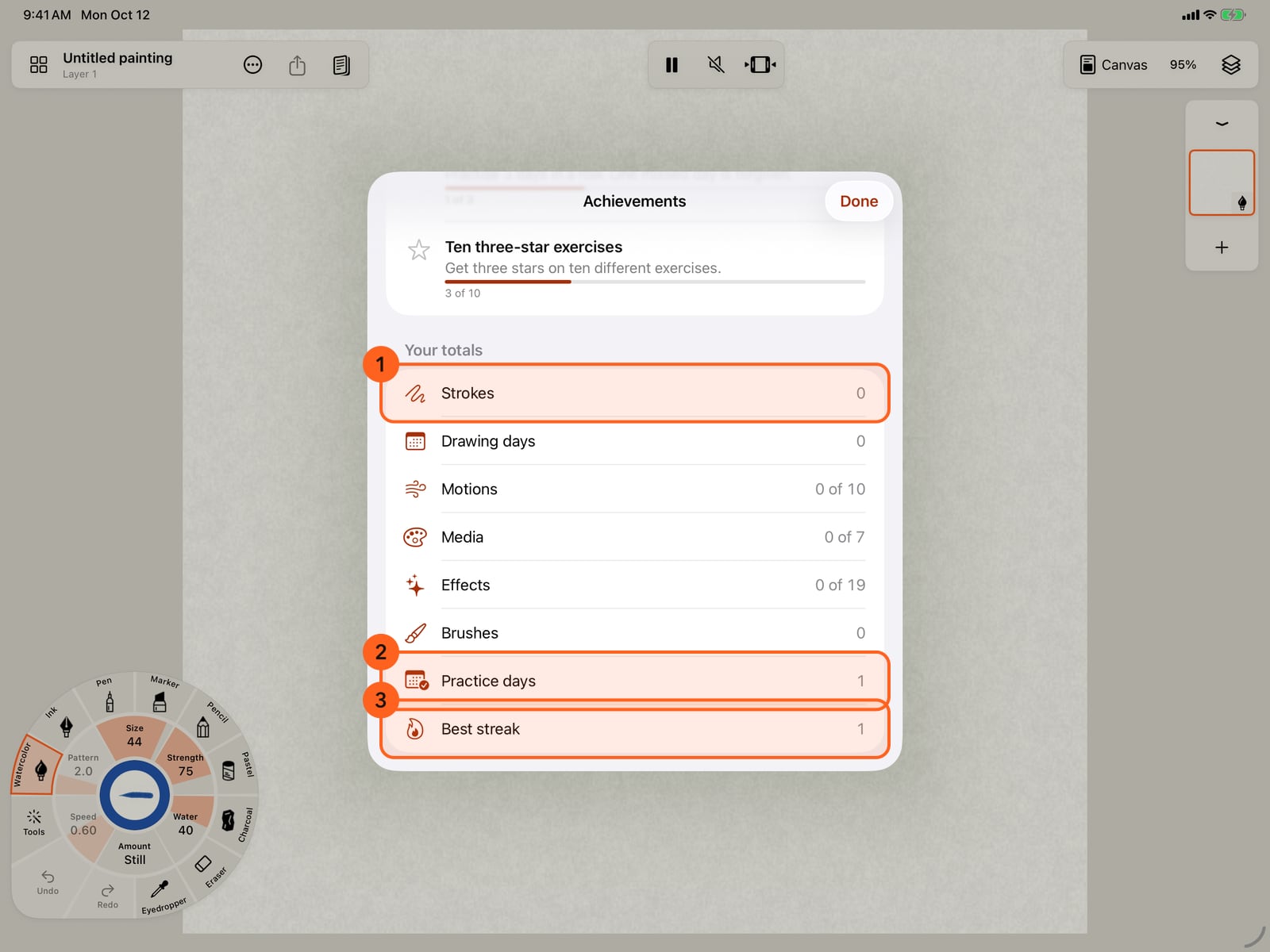
Your totals add up everything counted so far, on all your devices with iCloud, down to your practice days and best streak.
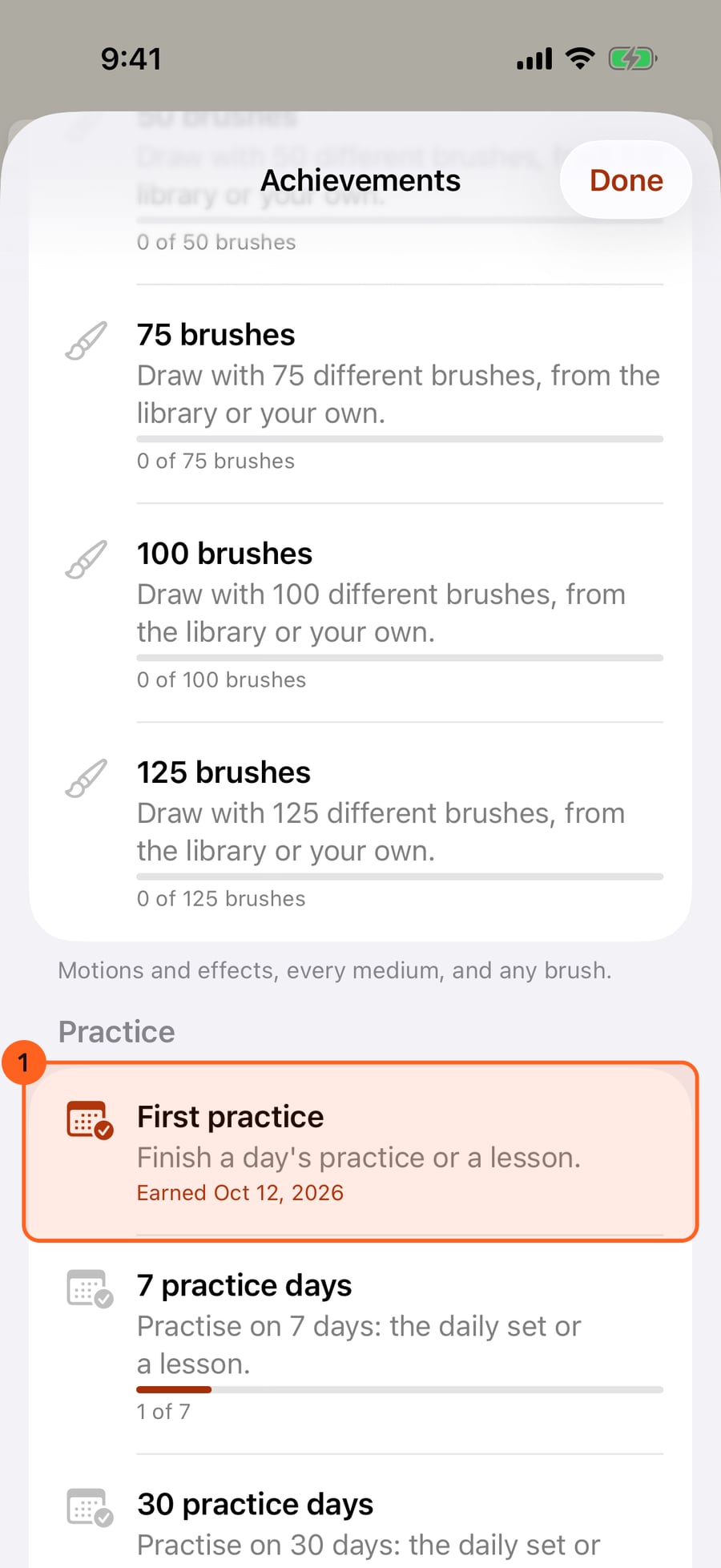
Badges lists every badge, what it asks, and how far you have got. First practice is earned.
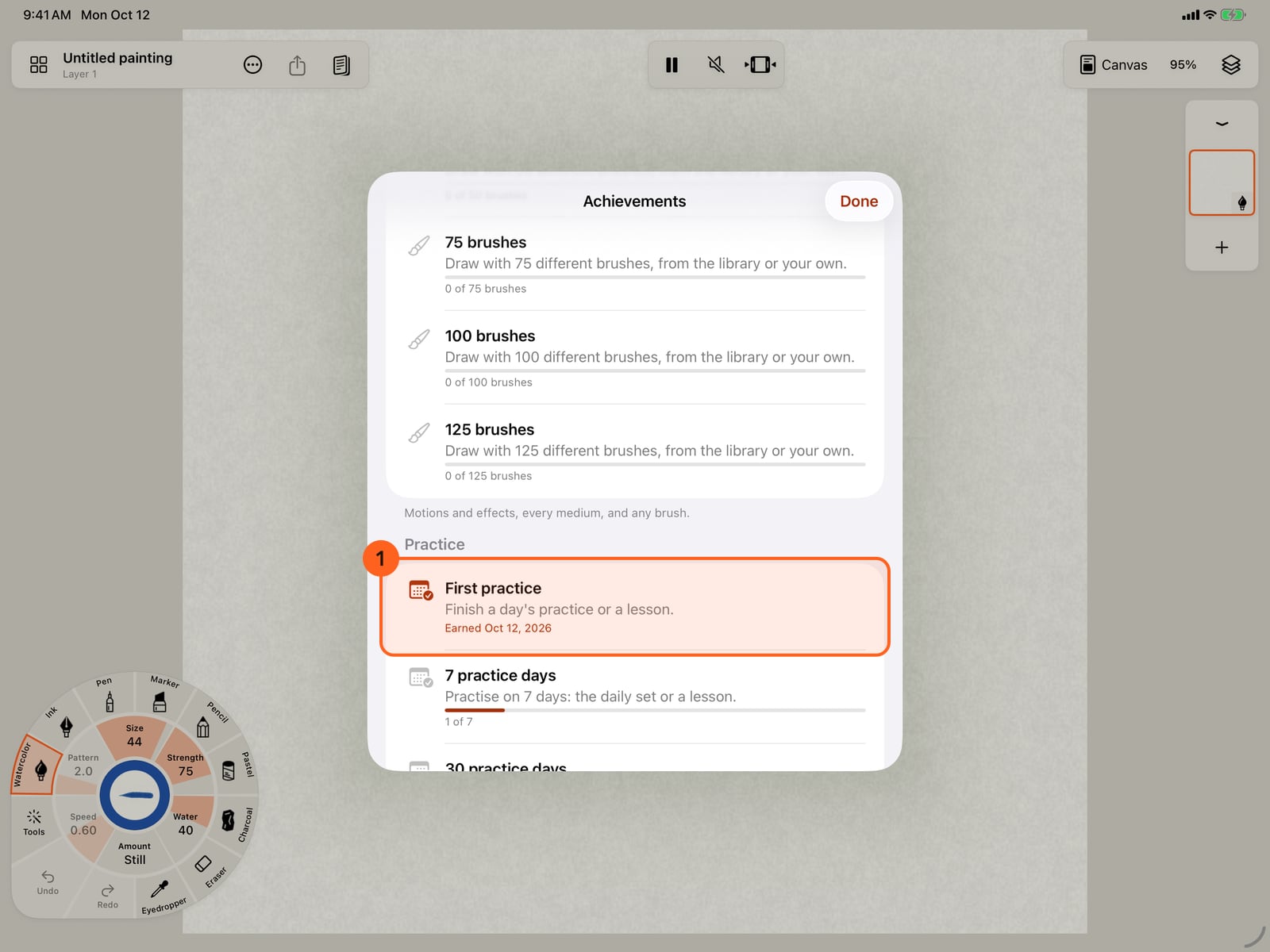
Badges lists every badge, what it asks, and how far you have got. First practice is earned.
To start again, Delete achievement data deletes this device's counts and badges, here and in iCloud, and turns the switches off. Your drawings and your practice stay.
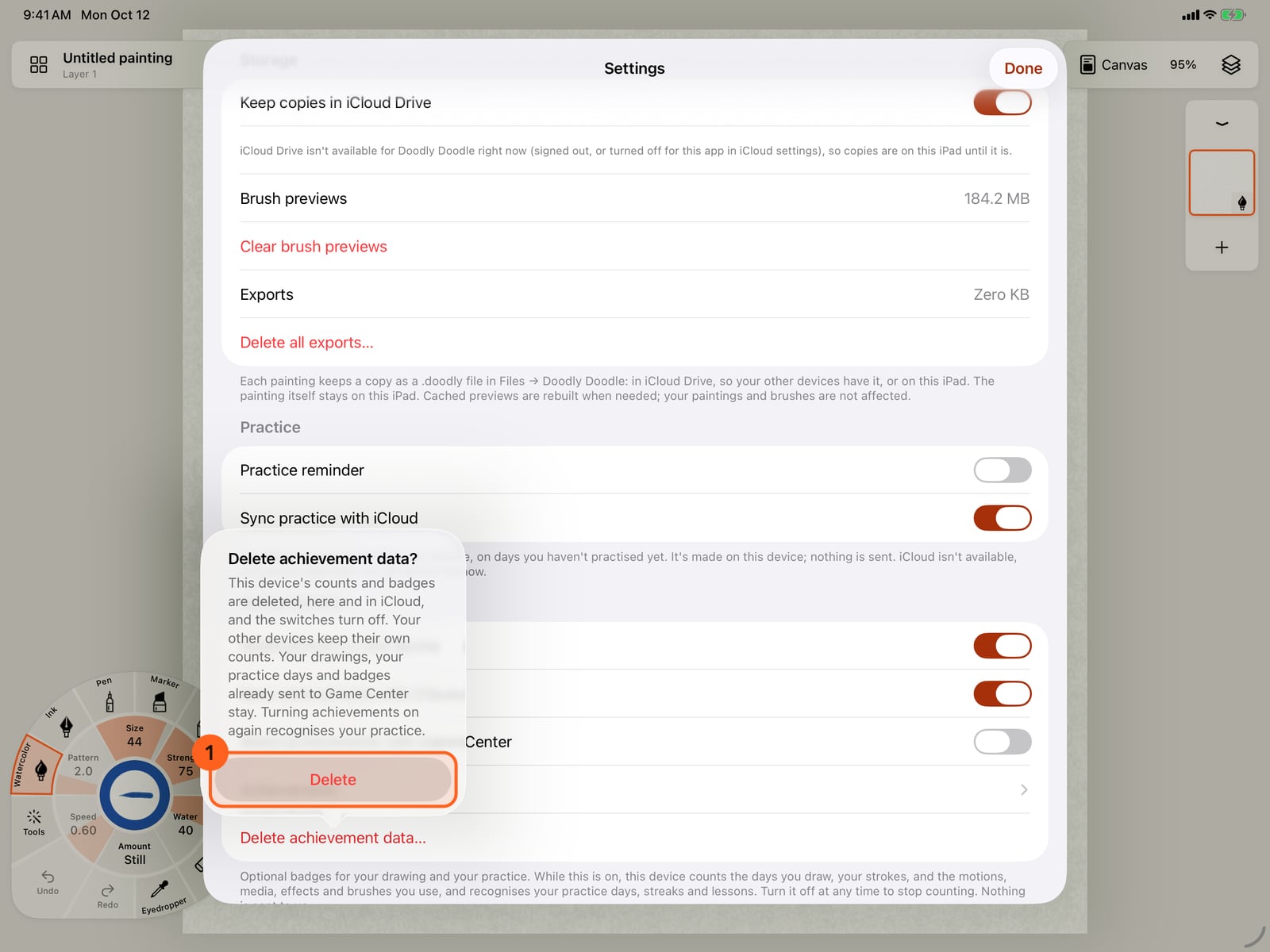
To start again, Delete achievement data deletes this device's counts and badges, here and in iCloud, and turns the switches off. Your drawings and your practice stay.
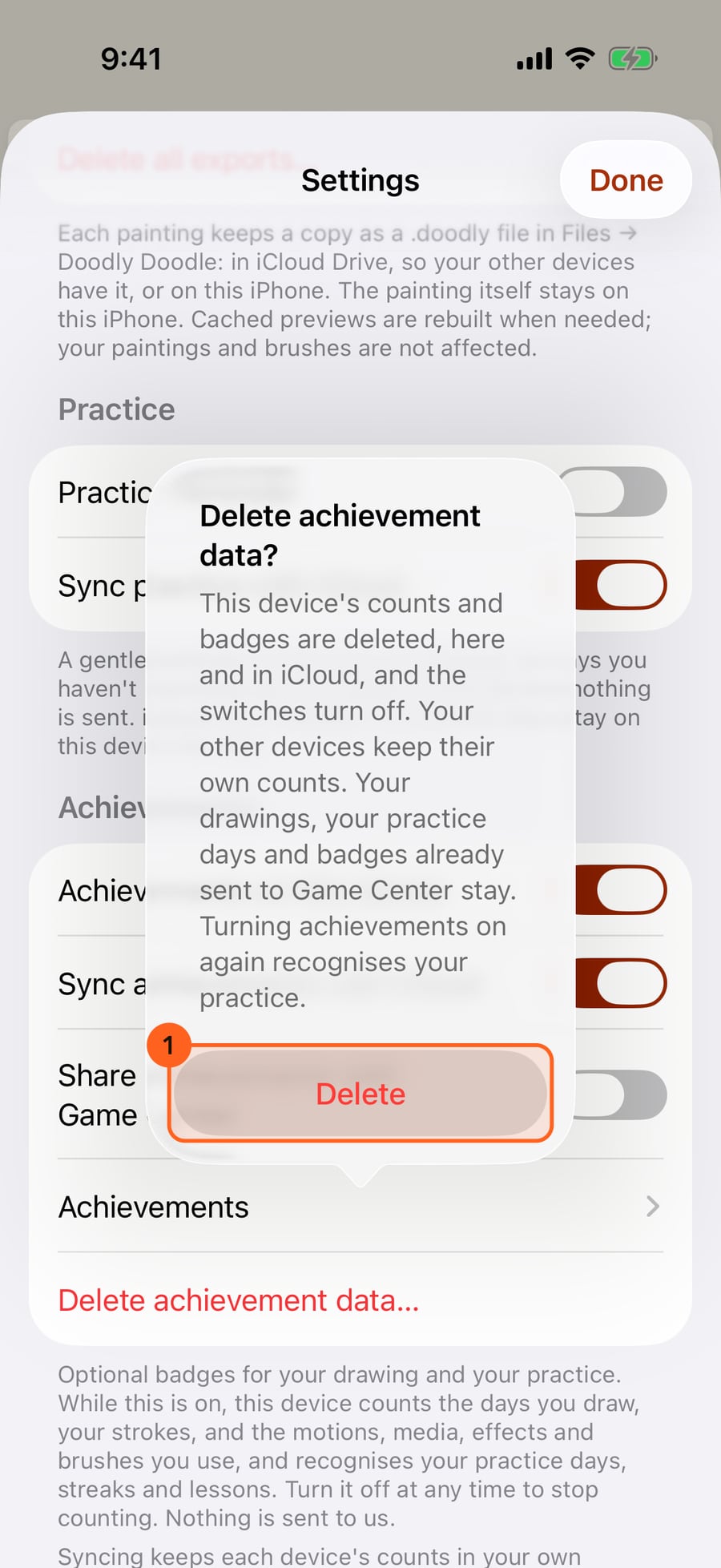
Achievements are optional badges for drawing, for exploring the app and for your practice. They are off until you turn them on.
Turning them on
Settings → Achievements has three switches.
| Setting | What it does |
|---|---|
| Achievements on this device | Off by default. On, this device counts the days you draw, your strokes, and the motions, media, effects and brushes you use, and recognises your practice days, streaks and lessons. Turn it off at any time to stop counting. Nothing is sent to us; see the privacy policy. |
| Sync achievements with iCloud | On by default, and only used while achievements are on. Each device keeps its own counts in your own iCloud, so every device signed in to the same Apple Account shows your totals. It can take a little while. Off: counts stay on this device; nothing in iCloud is erased. The line beneath says whether counts are syncing now. |
| Share achievements with Game Center | Off by default, and only available while achievements are on. On, earned badges, and only those, go to Apple under your Game Center player; your Game Center settings decide who sees them. Badges earned earlier on this device are included. If you are not signed in to Game Center, the system asks once. |
When a badge is earned, a short line says so at the bottom of the canvas, and VoiceOver reads it; one earned during practice or a lesson is listed on its done card instead. There is no sound and no pop-up.
How you're doing
Actions → Achievements opens them; they are also under the switches in Settings and at the foot of Actions → Learn and practise. While they are off, the screen says so and offers Count my achievements, the same switch as Achievements on this device. The welcome tour has that switch too.
Progress 1 shows how many badges you have earned, Next up 2: the three badges you are nearest to, and Your totals: strokes, drawing days, motions, media, effects, brushes, practice days and your best streak. With iCloud, the totals are those of all your devices.
Badges lists every badge under Drawing, Exploring and Practice: what it asks, how far you have got, and the day you earned it.
The badges
| Badge | How to earn it |
|---|---|
| 3, 10, 30 and 100 drawing days | Draw on that many different days. Any days, not in a row; missing a day takes nothing away. |
| 100, 1,000, 5,000, 10,000, 25,000, 50,000, 100,000, 250,000, 500,000, 1,000,000, 2,500,000 and 5,000,000 strokes | Each stroke counts once, however many marks it leaves. Erasing doesn't count, and undoing doesn't take a stroke back. Past 5,000,000 the count stops, and the total says 5,000,000+. |
| Three ways to move, Ten motions | Draw with three, then ten, different motions, such as Wave, Sway and Orbit. |
| Three media, Every medium | Draw with three, then all seven, media. |
| First effect, Five effects, Nineteen effects | Draw with one, five, then nineteen different effects, such as Snow, Fireflies or Smoke. |
| 10, 30, 50, 75, 100 and 125 brushes | Draw with that many different brushes, from the library or your own. |
| First practice | Finish a day's practice or a lesson, or check three exercises in a day. |
| 7, 30 and 100 practice days | Practise on that many days: the daily set, a lesson or three exercises. Any days, not in a row. |
| 3, 7 and 30 days in a row | Practise that many days in a row. One missed day is forgiven; two in a row end the streak. Your best streak counts, so a badge is never lost. |
| First lesson | Finish a lesson. |
| Every lesson | Finish every lesson. |
| Every kind of practice | Check an exercise in each of the seven kinds of practice, from lines to pressure. |
| Ten three-star exercises | Get three stars on ten different exercises. |
| Three stars on everything | Get three stars on every practice exercise. |
Drawing and Exploring are counted from when achievements were turned on, on each device; nothing earlier is counted. Practice badges come from your practice days, finished lessons and exercise scores, which the app keeps anyway, so practice from before you turned achievements on counts, and so do practice days, lessons and exercise stars on your other devices with Sync practice with iCloud on (Settings → Practice). Every badge can be earned with Free: every motion counts, Free's nineteen effect looks reach Nineteen effects, and practice and lessons are Free.
Pausing and deleting
Turn Achievements on this device off to pause: nothing new is counted, the badges you earned stay, and the screen says so. Turning it on again carries on from where it stopped; what you drew in between isn't counted.
Delete achievement data… asks first, then deletes this device's counts and badges, on the device and in iCloud, and turns the switches off. Your other devices keep their own counts; delete there too to start over everywhere. Your paintings, your practice days and lessons, and badges already sent to Game Center stay; Game Center's own settings decide what happens to those. Turned on again, achievements recognise your practice, but this device's drawing counts start from nothing.
If someone else signs in to Game Center on this device, badges earned before are not sent to them automatically; Settings offers Also share earlier badges with this Game Center player instead. If another Apple Account signs in to iCloud, this device's counts stay with the account they were counted under and come back when it does.
Try it in the app.
Download on the App Store Free for iPad, iPhone and MacSomething not behaving as expected?
Visit support or write to support@doodlydoodle.app.