

Guides / Settings and Plus
Free and Plus
What Free includes, what the one-time Plus purchase adds (every book, every effect, unlimited layers, exports without the mark), and how to buy, restore, redeem a code or share Plus with your family.
- Free
- Every medium, motion and paper, nineteen effect looks, five layers of your own, and every export, with a small Made with Doodly Doodle mark on exported files; Nature, Animals at Home, the single pictures, and page 1 of every other book.
- Plus
- One purchase that supports an ad-free app made by one person: every page of every book, new books as they come, every effect look, as many layers as your device holds, and exports without the mark.
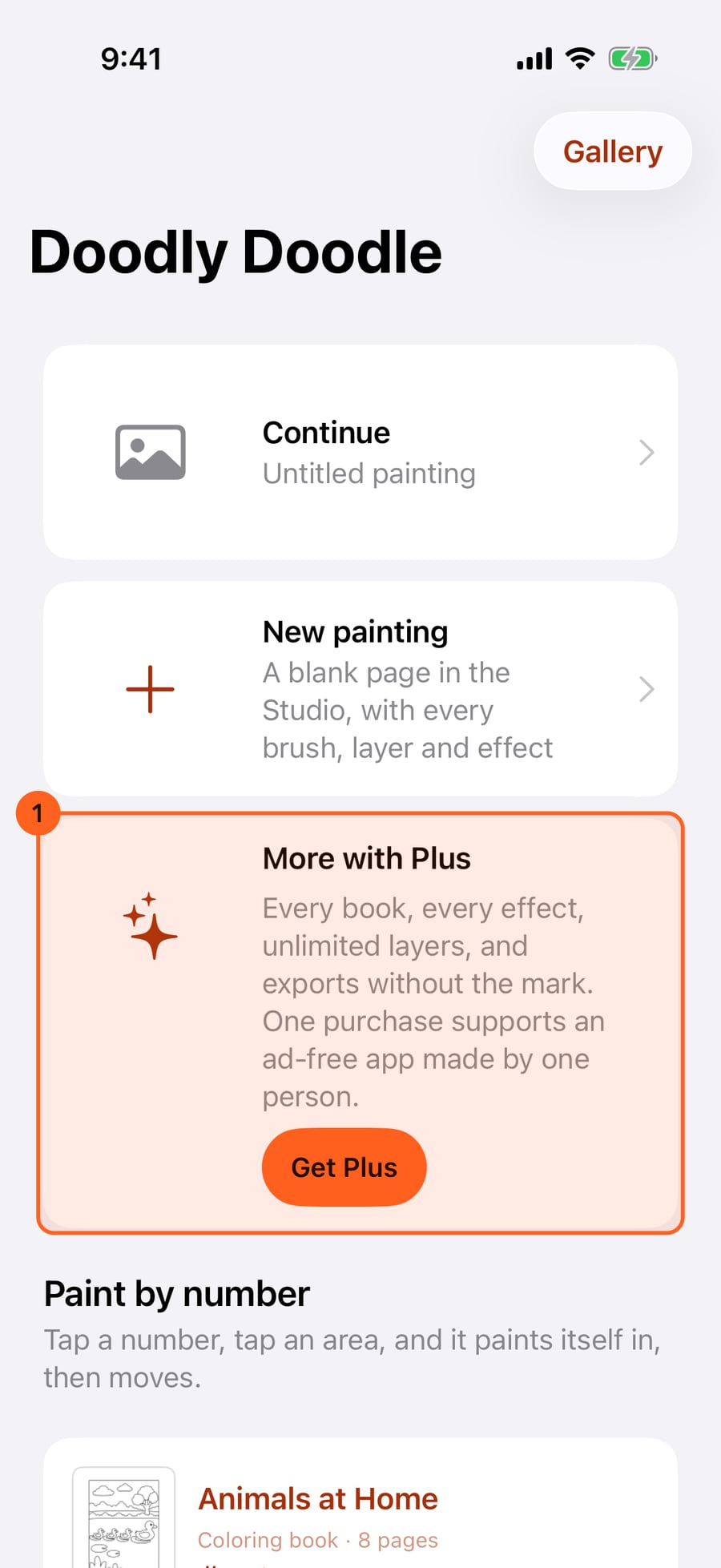
Without Plus, the start screen shows what Plus adds, beside Continue and New painting. Get Plus opens the Free and Plus page.
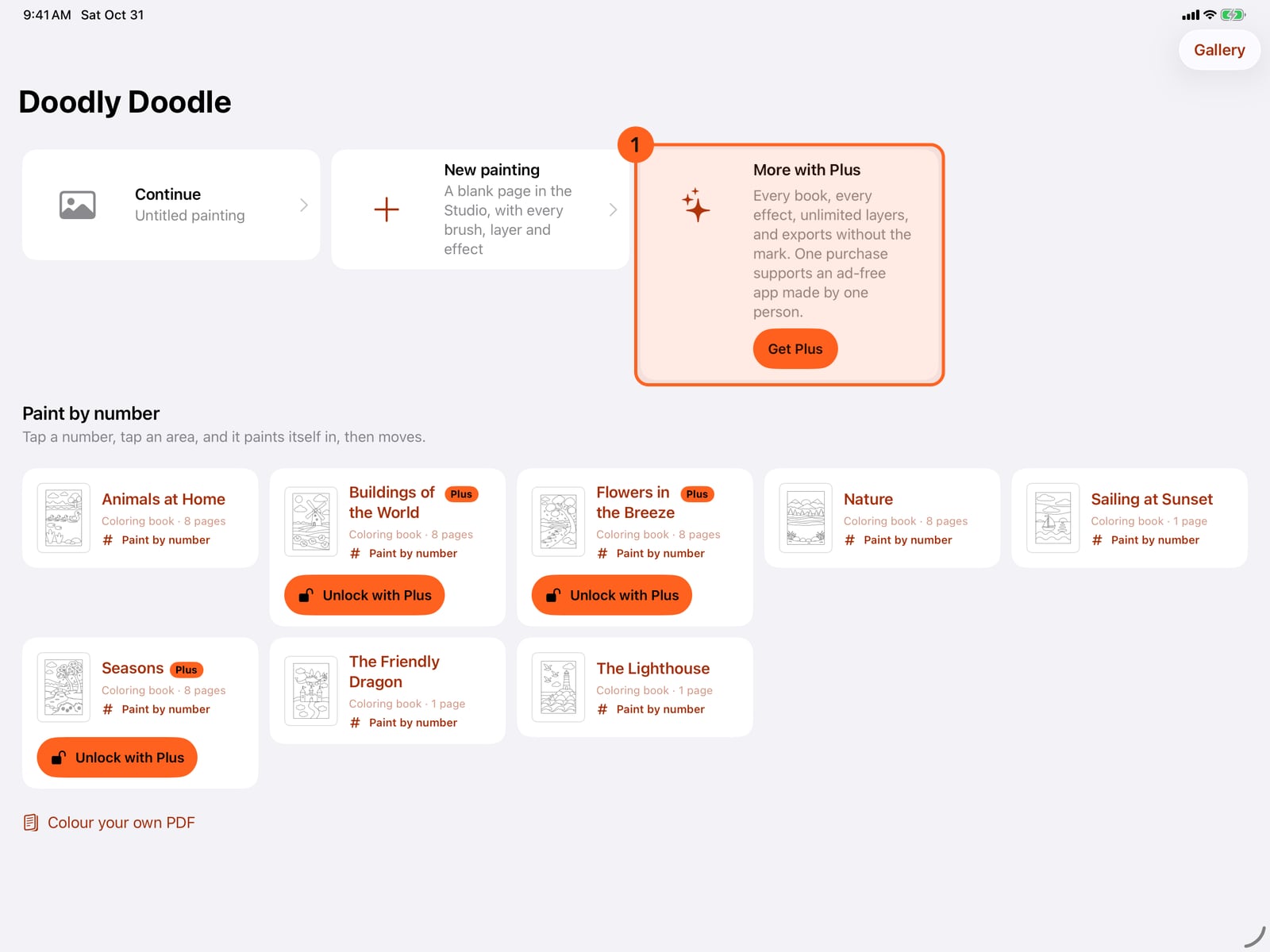
Without Plus, the start screen shows what Plus adds, beside Continue and New painting. Get Plus opens the Free and Plus page.
Tap Continue. In the Studio, Get Plus is the first item in the Actions menu.
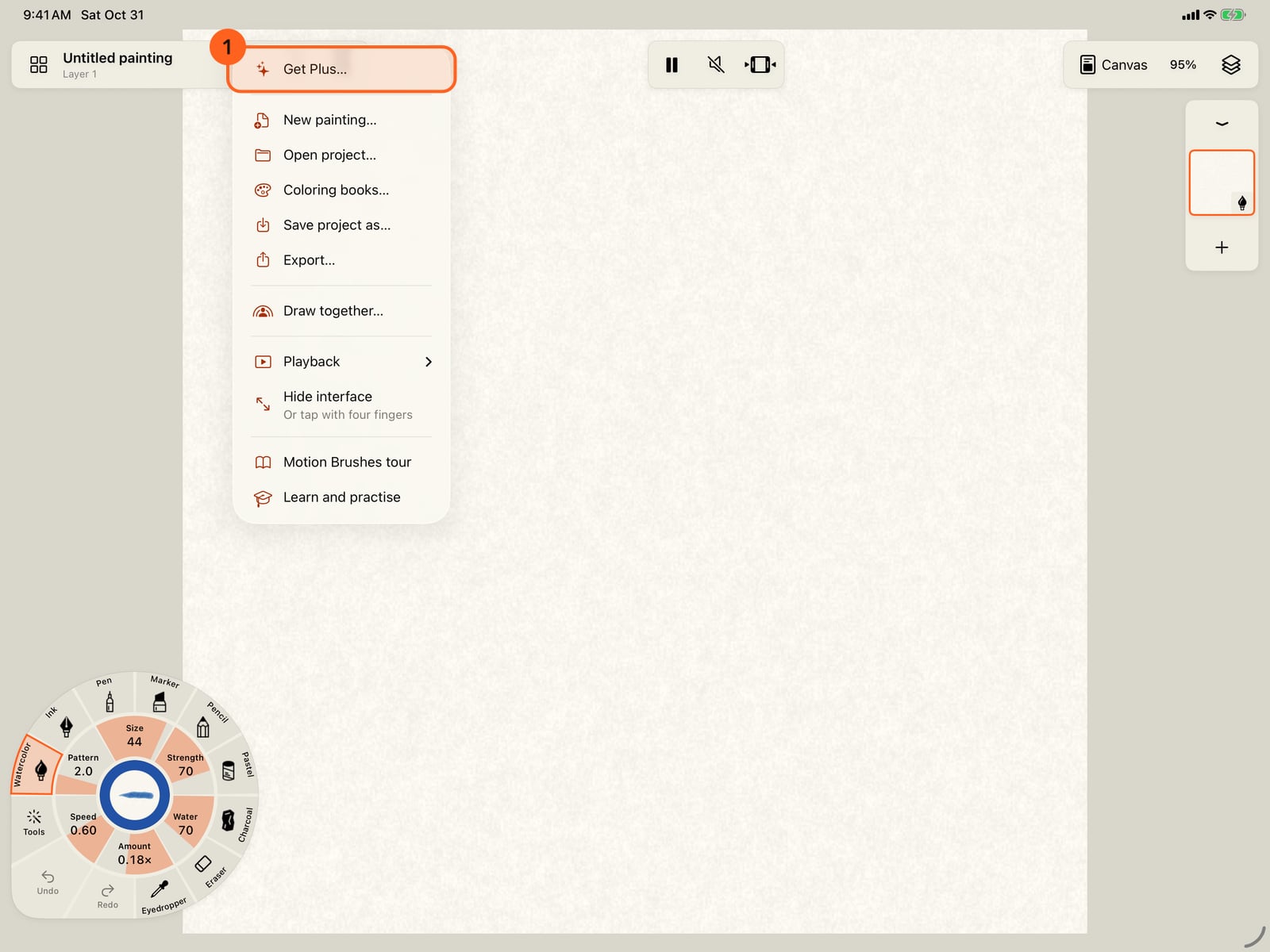
Tap Continue. In the Studio, Get Plus is the first item in the Actions menu.
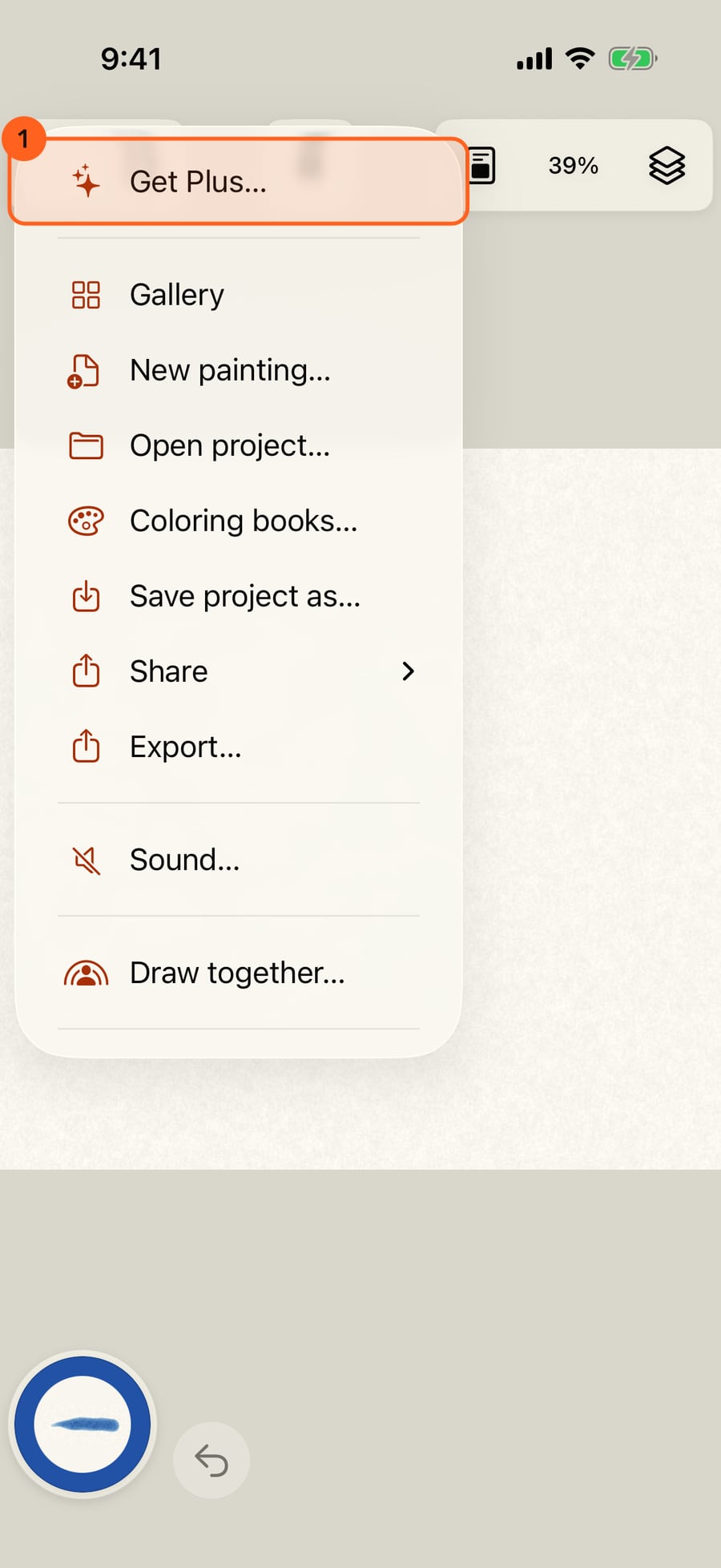
Click Continue. In the Studio, Get Plus is the first item in the Actions menu.
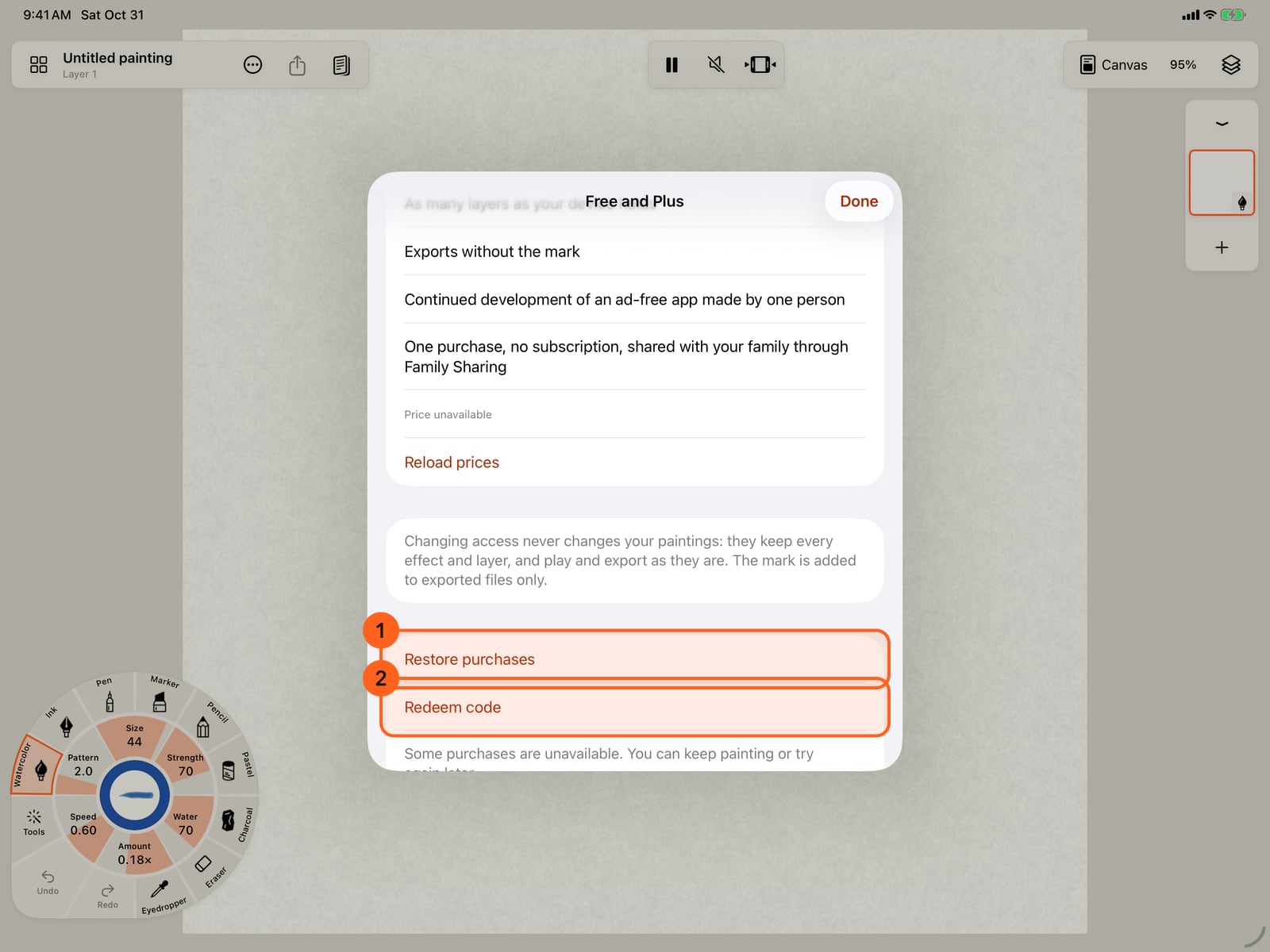
Plus supports an ad-free app made by one person, with one purchase and no subscription, ads or account. Free has every medium, motion and paper, nineteen effect looks, five layers of your own, every export, and paint that stays sharp at any zoom.
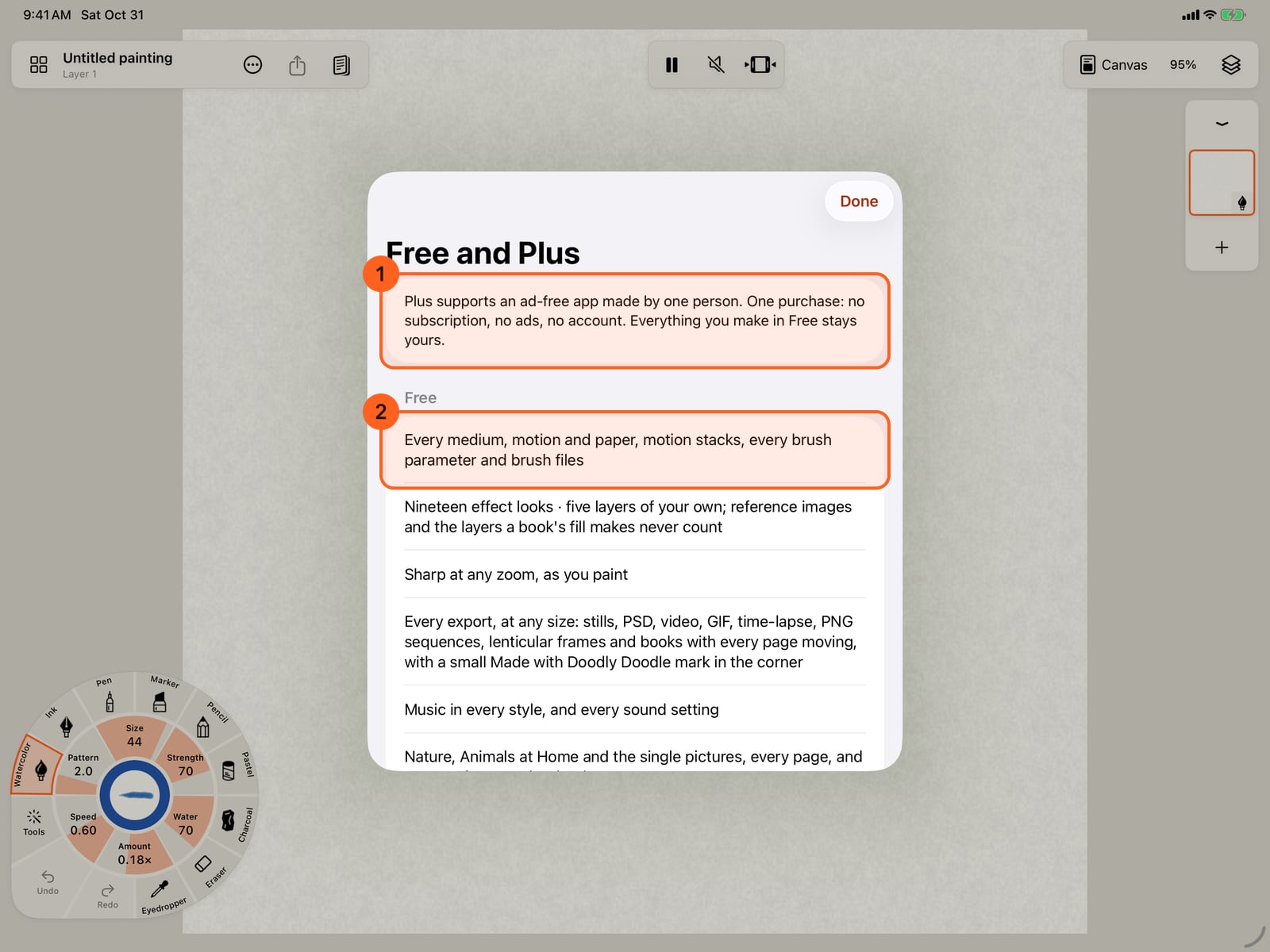
Plus supports an ad-free app made by one person, with one purchase and no subscription, ads or account. Free has every medium, motion and paper, nineteen effect looks, five layers of your own, every export, and paint that stays sharp at any zoom.
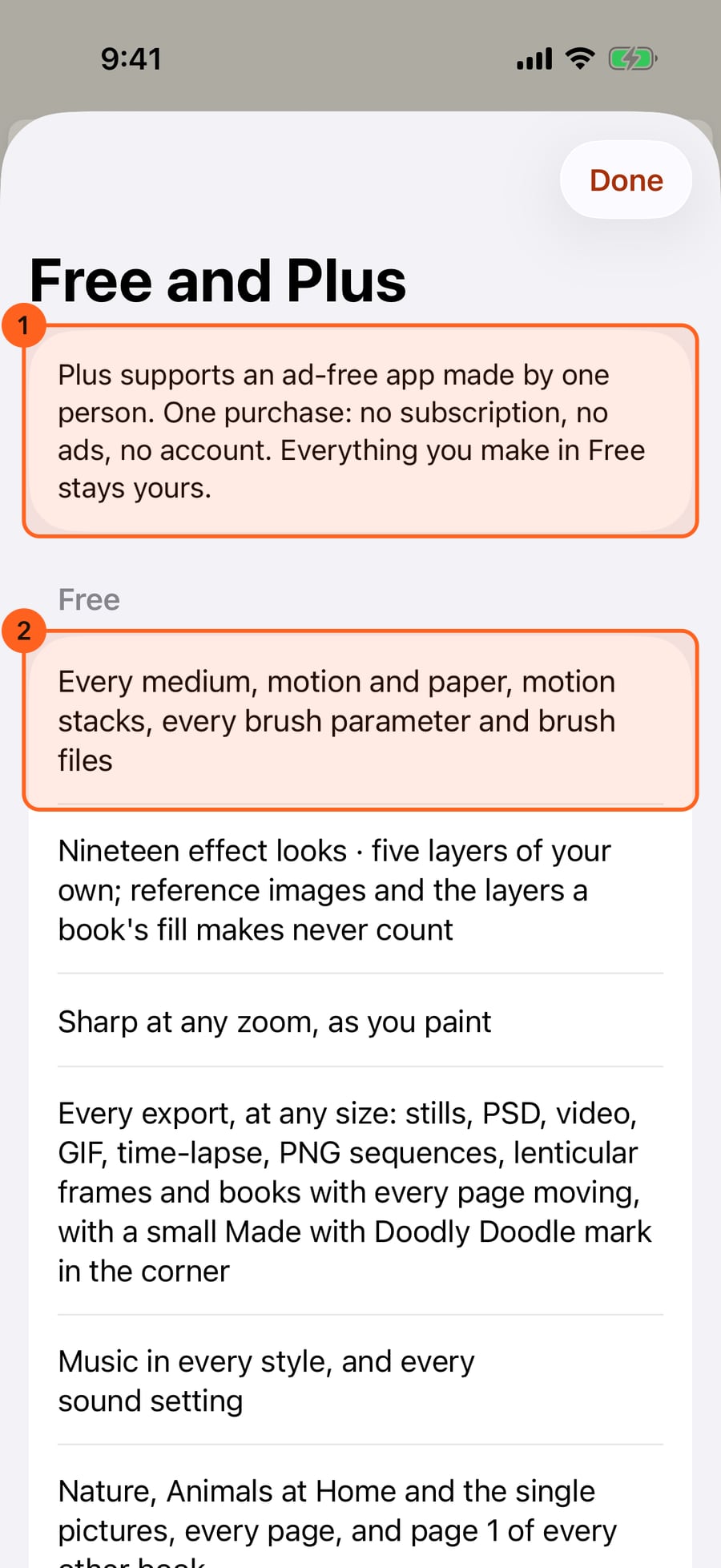
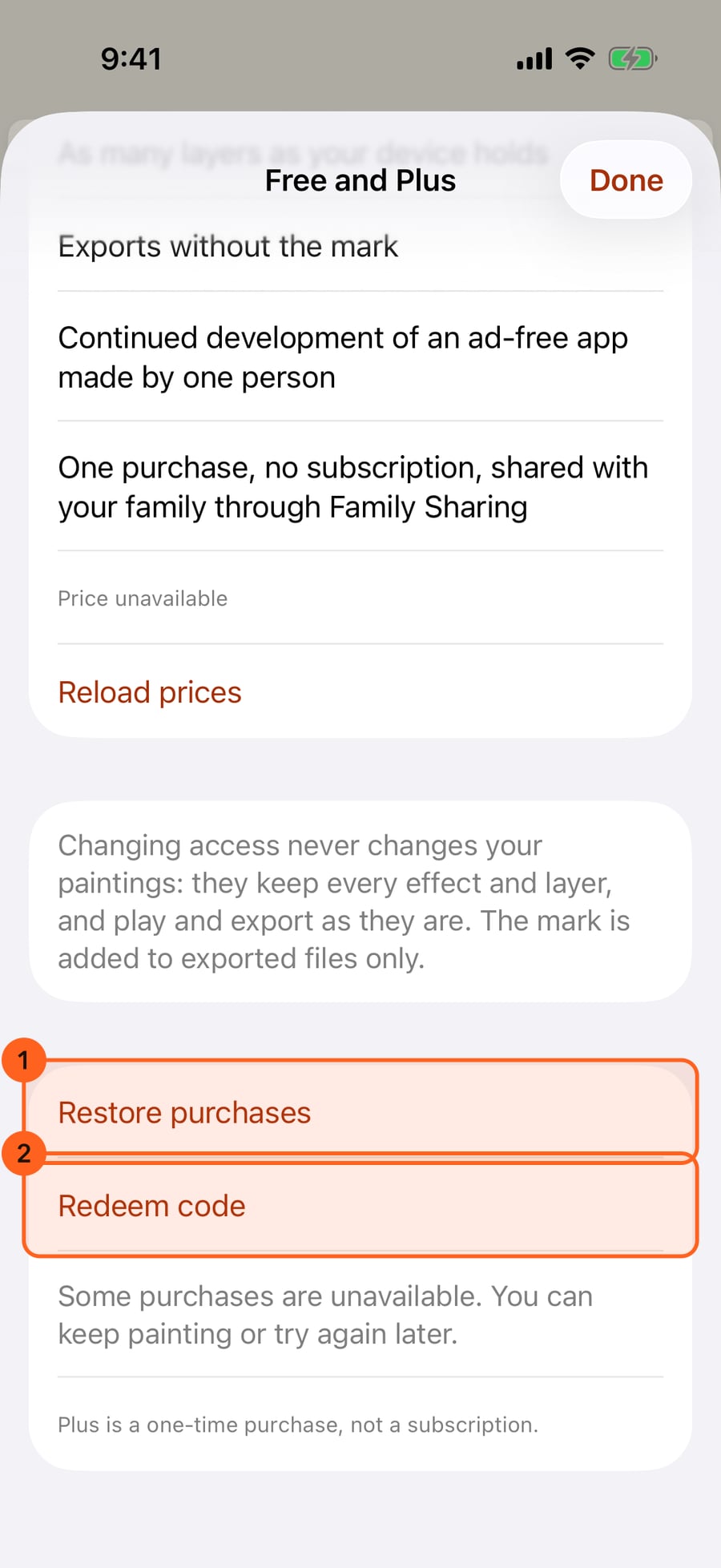
Plus adds every page of every book, every effect look, as many layers as your device holds, and exports without the mark. Restore purchases brings Plus to another device; Redeem code takes an offer code.
Plus adds every page of every book, every effect look, as many layers as your device holds, and exports without the mark. Restore purchases brings Plus to another device; Redeem code takes an offer code.
Tap Done, paint a short stroke, then choose Share and Export. Free exports carry a small Made with Doodly Doodle mark in the corner; the sheet shows it, with Remove the mark with Plus.
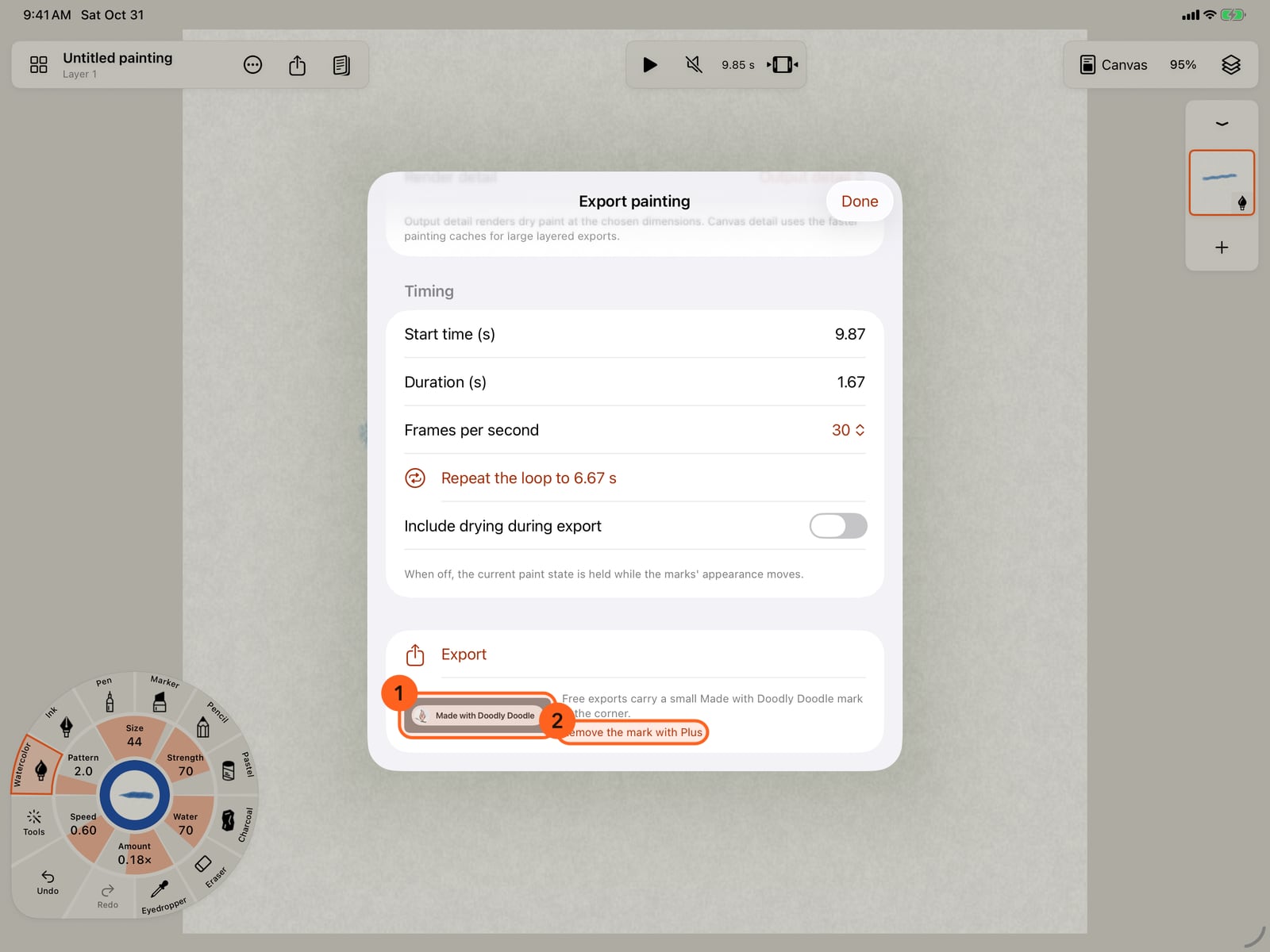
Tap Done, paint a short stroke, then choose Actions, Share and Export. Free exports carry a small Made with Doodly Doodle mark in the corner; the sheet shows it, with Remove the mark with Plus.
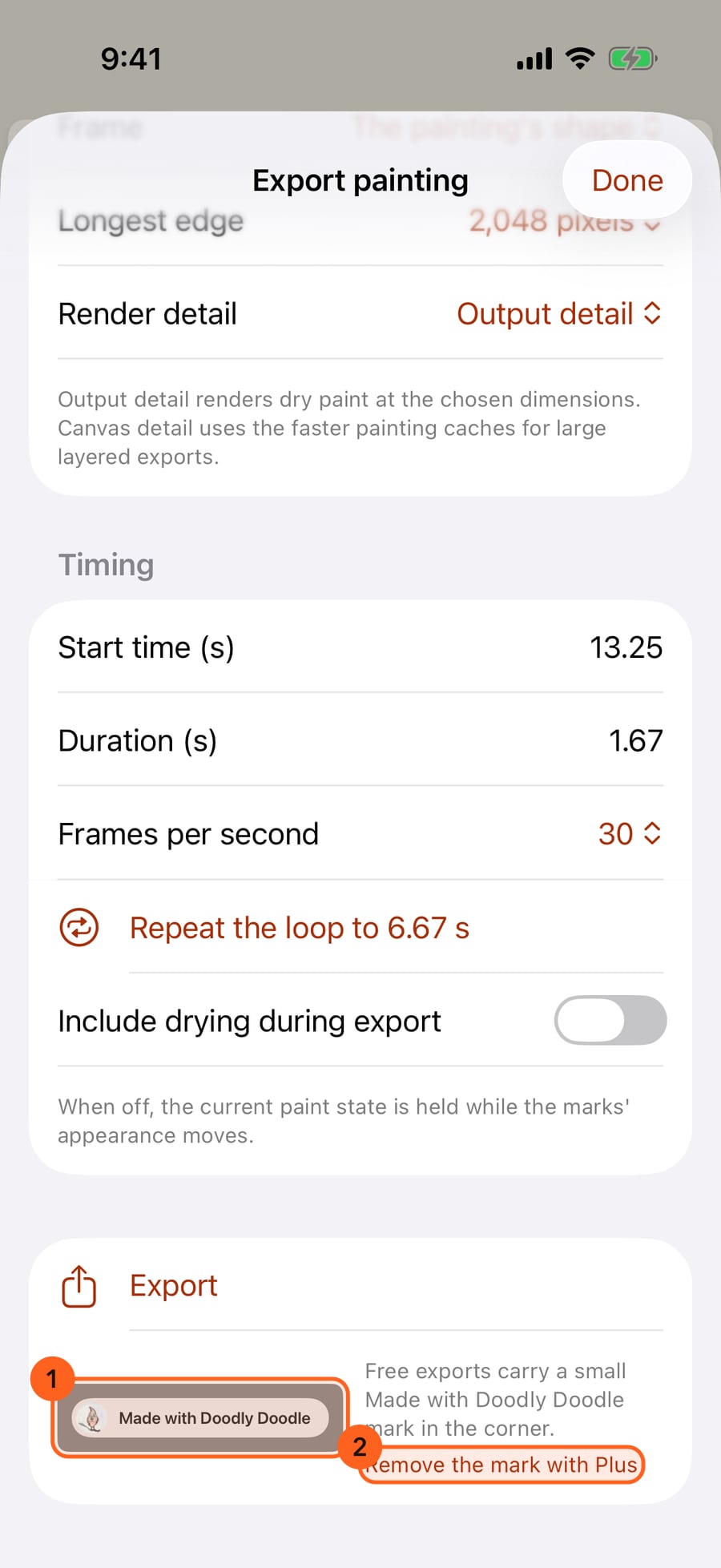
Click Done, paint a short stroke, then choose Share and Export. Free exports carry a small Made with Doodly Doodle mark in the corner; the sheet shows it, with Remove the mark with Plus.
Free paints with every medium, motion and paper, nineteen effect looks and five layers of your own, and exports everything, with a small mark. Plus supports an ad-free app made by one person. It opens every page of every book, every effect look and as many layers as your device holds, and your exports come without the mark.
Without Plus, the page is never far, and nothing pops up:
- More with Plus 1 on the start screen, beside Continue and New painting: Every book, every effect, unlimited layers, and exports without the mark. One purchase supports an ad-free app made by one person. It's a card, not a pop-up, and it waits there until you choose it.
- Get Plus… 1, the first item in the Actions menu. Once you own Plus, Free and Plus sits just above Settings… instead, for Restore purchases.
- The same card at the top of Settings and of the Gallery.
- Unlock with Plus on a Plus book's card, in its preview, on its locked pages in Pages, and in place of the next page's arrow, and Continue this book with Plus on a finished page's card: see Coloring books.
- Remove the mark with Plus 2 in the Export sheet and the book export form, beside a small preview of the mark 1: see Share and export.
None of these show once you have Plus, and none of them stop you painting or exporting. Free and Plus also opens where Free runs out: see Where Free meets Plus below. Plus is one purchase: no subscription, no ads, no account. Everything you make in Free stays yours.
Free
- Every medium, all 48 motions and motion stacks, with every hatch and interior movement, every paper in any colour, every brush parameter in Brush Studio, and brush files to share and import.
- Nineteen effect looks: Flame, Embers, Smoke, Steam, Clouds, Mist, Rain, Snow, Bubbles, Current, Ripples, Leaves, Blossoms, Flock, Fireflies, Twinkle, Magic trail, Burst and Confetti.
- Five layers of your own in each painting. Image layers (reference images and a colouring page's own page) and the layers a book's fill makes for its colours never count, so a book's page always paints in full.
- Sharp at any zoom, as you paint: see Gestures and the view.
- Every export, at any size: stills up to 16,384 pixels, PSD, video, GIF and time-lapse with music, PNG sequences, lenticular frames, and books with every page moving. Exported files carry a small Made with Doodly Doodle mark in the corner (see The mark below).
- Music in every style, and every sound setting, including Advanced sound.
- Coloring books: Nature, Animals at Home and three single pictures, every page, and page 1 of every other book. See Coloring books.
- Books of any number of pages: see Books and pages.
- Learn and practise: every lesson and the daily practice, with its streak, calendar and reminder. Drawing together and paint by number in Color and the Studio are Free too.
Plus
| Plus | Where it shows |
|---|---|
| Every page of every book, and new books as they come | Coloring books: Buildings of the World, Flowers in the Breeze and Seasons wear a Plus badge, with page 1 free |
| Every effect look: all 156, the full Fire, Smoke & Steam, Sky, Weather, Water, Nature, Creatures, Magic and Explosions sets | Marks, with Plus badges; the library's All / Free / Plus filter |
| As many layers as your device holds | Layers |
| Exports without the mark | Export…, Export book… |
| Continued development of an ad-free app made by one person |
The mark
Free exports carry a small Made with Doodly Doodle mark with the app's bird logo, in the bottom-right corner, on a soft light backing so it reads on any painting. It is about 3–4% of the picture's shorter edge. It is on every exported image, video, GIF, PNG-sequence frame, lenticular frame and book page. A PSD gets it as its own top layer, named Made with Doodly Doodle. A soundtrack has none. The mark is added to exported files only: your painting never changes.
To preview the mark on a new page, paint a stroke to enable Share, then choose Share → Export… (under Actions on iPhone).
Buying, restoring and redeeming
| Control | What it does |
|---|---|
| Buy (with the price) | Buys Plus through the App Store. When the page opens on something you reached for, such as a Plus book's page or the mark, Buy sits beside it at the top. Once you own it, the button reads Purchased, and the page says thank you. |
| Restore purchases 1 | Checks the App Store for Plus bought with your Apple Account, on another device or before reinstalling. |
| Redeem code 2 | Enters an App Store offer code. Shown until you have Plus. |
| Reload prices | Shown under Price unavailable when the price didn't load: asks the App Store again. |
Family Sharing: Plus is shared with your Family Sharing group. Family members get Plus on their own devices when they open the app signed in to their Apple Account; Restore purchases checks again if it hasn't arrived.
Where Free meets Plus
The page opens where Free runs out, on what you reached for: what Plus adds there, the way to keep going in Free, and Buy.
- A sixth layer of your own: + in the layer strip or the Layers sheet, Duplicate, a brush that needs a layer of its own, or new comic panels. The page opens on As many layers as your device holds, with Plus; to keep going in Free, clear, merge or delete a layer, or paint on one you have.
- See what Plus adds at the end of the Layers sheet and of the brush library.
- An effect look with a Plus badge, on the wheel, in the library's Marks, in Brush Studio or in a stroke's details. The page opens on Every effect look, with Plus, over Brush Studio or the inspector when it was opened there. A brush with a Plus look in hand shows This brush uses a Plus effect · See Free and Plus on the canvas; choose a Free effect or brush to draw.
- A Plus book's locked page, and the mark in the Export sheet.
The effects a book's steps paint with are always yours: its Layered fill, its numbers' brushes and its pages' own effects paint and play in Free, whatever their look.
If a purchase waits for approval, as with Ask to Buy, the page says so, and Plus arrives when it's approved.
Nothing changes until you choose. After a purchase the page says Thank you. Plus is ready.; tap Done to carry on where you left off.
Plus: Changing access never changes your paintings: a painting made with Plus keeps every effect and layer, and plays and exports in Free. The mark is added to exported files only.
Try it in the app.
Download on the App Store Free for iPad, iPhone and MacSomething not behaving as expected?
Visit support or write to support@doodlydoodle.app.